
Struggling to remember passwords? The rise of 2FA and passkeys means protecting your accounts is easier but more complex than ever. This guide covers the best password security practices, helping everyone from teens to seniors log in safely, manage passwords, and understand modern security tools for total peace of mind.
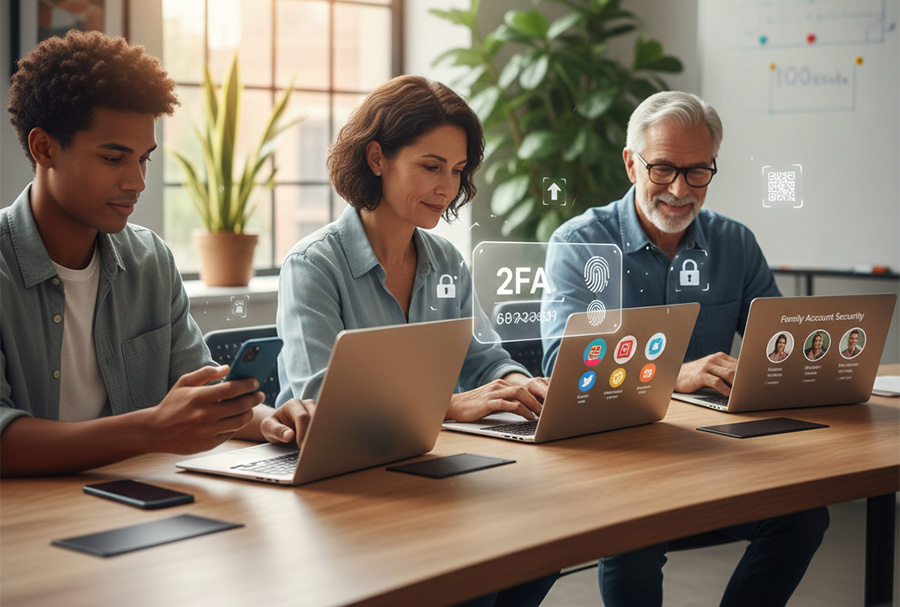
Why Passwords Alone Are Not Enough for Best Password Security Practices
Passwords were once the only security measure you needed, but cyber threats have evolved. Today, hackers use automated tools that can test thousands of password combinations in seconds. As a result, relying on a password alone no longer meets the standard for best password security practices.
Simple passwords, reused across multiple accounts, make you vulnerable to hacks. When one website suffers a data breach, criminals often try those same login details on banking, email, and shopping sites. This method, known as credential stuffing, is one of the most common ways accounts get compromised.
Even strong passwords can be stolen in phishing attacks. For example, a fake email may trick you into entering your password on a website that looks legitimate. Once entered, attackers capture your login details instantly.
Because of these risks, combining passwords with additional security steps keeps your accounts much safer. Multi-factor authentication, security keys, and account alerts add extra layers of protection. These added layers are essential parts of best password security practices in today’s digital world.
Common Password Mistakes That Weaken Best Password Security Practices
Many people:
- Use the same password for every site.
- Choose easy-to-guess words like birthdays or pet names.
- Write passwords on sticky notes or in unprotected documents.
Using the same password everywhere is especially dangerous. If one account is breached, every account becomes vulnerable. This single mistake can expose email, social media, and even financial accounts.
Choosing personal information makes passwords easier to guess. Hackers often search social media profiles for birthdays, family names, and pet names. If your password includes information that is publicly available, it becomes much easier to crack.
Writing passwords on sticky notes or saving them in plain text documents creates physical and digital risks. Anyone who gains access to your desk or computer can see your login information instantly.
Avoiding these mistakes is the first step toward strong digital security. However, best password security practices go beyond avoiding errors. They also require creating strong, unique passwords and using secure tools to manage them safely.
How to Manage Passwords Effectively Using Best Password Security Practices
Managing dozens of logins can feel overwhelming. However, staying organized is one of the most important best password security practices you can follow. The good news is that there is a simple system that works.
Use a Password Manager
First, use a password manager.
Password managers like 1Password, Bitwarden, or LastPass:
- Generate strong, unique passwords automatically
- Store passwords in encrypted vaults
- Sync securely across all your devices
Because these tools create complex passwords for you, you no longer need to invent or remember dozens of logins. Instead, you only remember one master password.
As a result, you reduce the risk of reusing passwords. You also protect yourself from weak combinations that hackers can guess quickly.
For seniors and busy professionals, this is a huge relief. It removes stress while improving security at the same time. That is why password managers play a major role in best password security practices.
Create Strong Master Passwords
Since your password manager protects everything, your master password must be strong.
Choose a master password that is:
Long, at least 12 characters
A mix of uppercase and lowercase letters
Combined with numbers and symbols
Easy for you to remember but hard for others to guess
Longer passwords are harder to crack because they increase the number of possible combinations. Therefore, length matters more than complexity alone.
Instead of using a single word, create a passphrase. For example, “CoffeeSunset42BlueSky!” is easy to remember but difficult to guess.
Even better, avoid using personal details like birthdays, names, or addresses. Hackers often search social media for that information first.
By combining a password manager with a strong master password, you follow some of the most effective best password security practices available today.
Understanding Two-Factor Authentication (2FA) for Best Password Security Practices
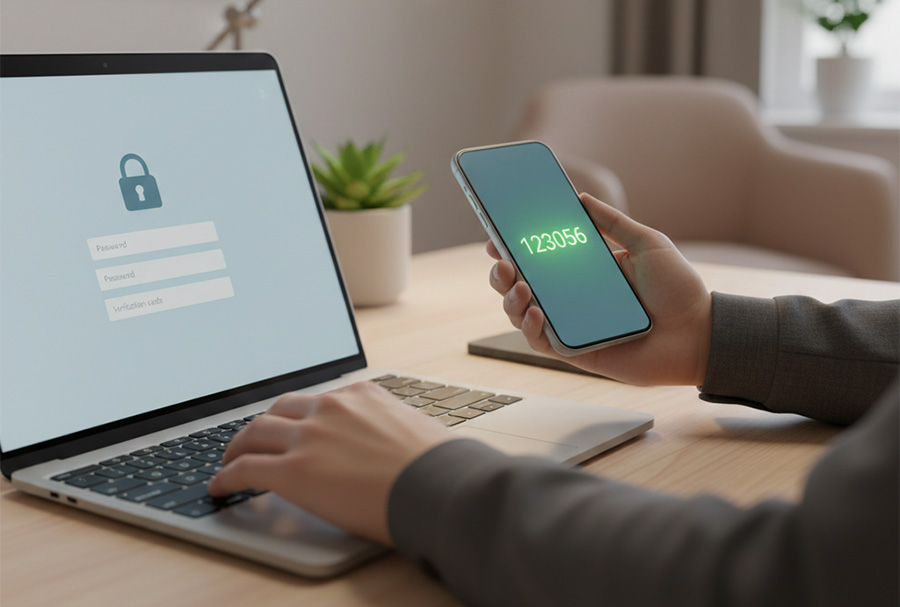
Passwords can fail on their own. However, two-factor authentication (2FA) adds a second layer of protection. Because of this, it plays a key role in best password security practices.
With 2FA, you need more than just a password to log in. Even if someone steals your password, they still cannot access your account without the second step.
Types of 2FA
There are several types of two-factor authentication. Each one offers a different level of security.
- SMS or Email Codes – quick, but less secure.
- Authenticator Apps – apps like Google Authenticator or Authy generate time-sensitive codes.
- Hardware Keys – devices like YubiKey provide top-level protection against phishing.
For most people, authenticator apps provide the best balance of security and ease of use.
Tips for Using 2FA Effectively
To get the most from two-factor authentication, follow these tips:
- Always save backup codes in a secure place.
- Prefer authenticator apps over SMS.
- Set up 2FA for email, banking, social media, and work accounts.
Email accounts deserve special attention. If someone controls your email, they can reset passwords on many other sites.
Because of that, adding 2FA greatly reduces the risk of account takeovers. These steps help everyone, from students to retirees, follow best password security practices and stay protected online.
Passkeys: The Next Generation of Login for Best Password Security Practices
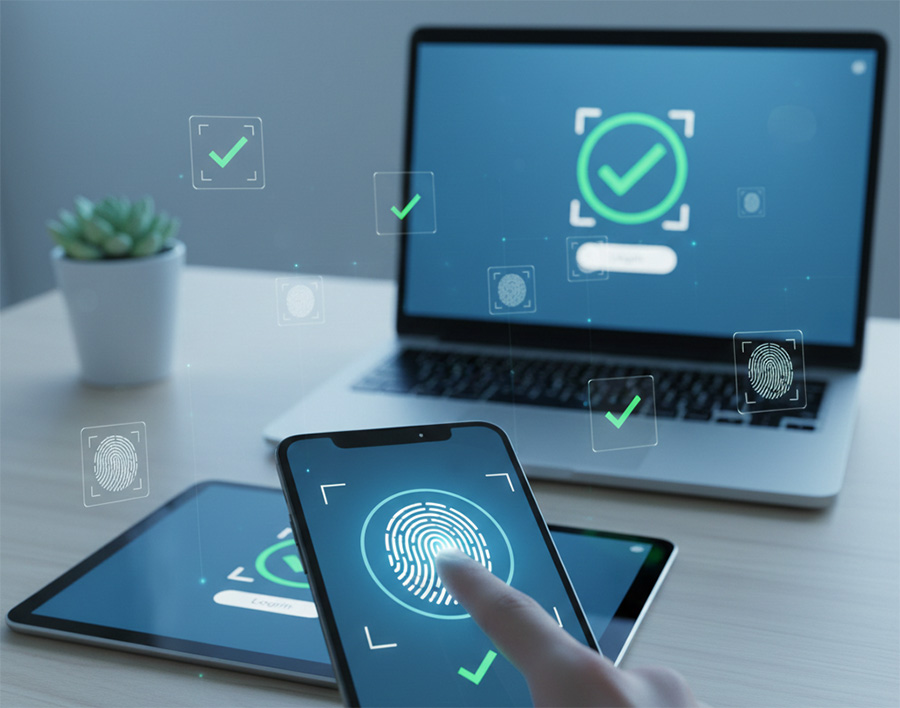
Passkeys are becoming a safer way to log in. Many apps and websites now support them. Instead of typing a password, your device confirms your identity automatically.
With passkeys, secure login details stay on your device or in your cloud account. Because nothing is typed, attackers have nothing to steal. As a result, passkeys improve best password security practices for everyday users.
This method also reduces mistakes. People no longer need to remember long or complex passwords.
Benefits of Passkeys
- Phishing-resistant — hackers cannot steal what you don’t type.
- Faster login — your device authenticates automatically.
- Cross-device sync — works on phones, tablets, and computers.
Passkeys are beginner-friendly and especially helpful for older adults who struggle with remembering complex passwords. Because of these benefits, passkeys lower stress while increasing security.
Who Benefits Most from Passkeys
Passkeys are easy to use and require little setup. For this reason, they work well for beginners.
They are especially helpful for older adults who struggle to remember complex passwords. They also benefit busy users who want fast and secure access without extra steps.
By using passkeys when available, you strengthen best password security practices while making daily logins easier and safer.
Creating a Safe Digital Routine
Consistency is key. Here’s a simple routine anyone can follow:
- Store all passwords in a manager.
- Enable 2FA on every critical account.
- Start using passkeys where possible.
- Review accounts monthly to remove unused access.
- Educate family members about safe login practices.
This ensures your digital life is both secure and stress-free.
Protecting Everyone: From Teens to Seniors
Teaching family members or colleagues about password safety can save them from cyberattacks:
- Teens: Encourage password managers and app-based 2FA for social media.
- Adults: Use strong passwords and hardware keys for work and banking.
- Seniors: Simplify logins with passkeys and guided setup on devices.
Additional Tips for Best Password Security
- Avoid public Wi-Fi for sensitive logins.
- Keep devices updated.
- Never share codes or passwords with anyone.
- Back up passwords and security keys securely.
Need Help With Best Password Security Practices
At RDPShop IT Services, we help businesses and individuals secure their digital world. From computer repair and network setup to software installation and passkey setup, our experts make security simple. Protect your accounts and devices; contact us today for guidance nationwide.