
Computer Virus Repair is essential when your system slows down, shows strange pop ups, or begins acting without your control. This guide explains how infections happen, how to spot the warning signs, and how proper computer virus repair restores speed, security, and peace of mind.
What Is Computer Virus Repair?
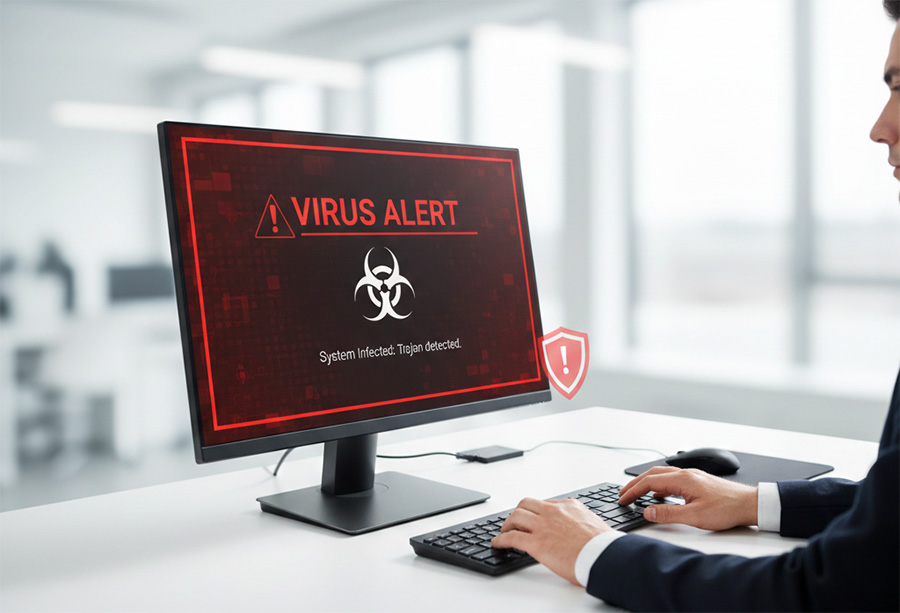
Computer virus repair is the process of detecting, removing, and repairing damage caused by malicious software. Malware includes viruses, ransomware, spyware, trojans, and other hidden threats. These programs enter your system without permission and disrupt normal operation.
When I perform this type of repair, I do more than run a scan. I carefully examine system files, startup programs, browser extensions, and background processes. Then I remove hidden threats and repair the damage they leave behind.
Many people delay virus checking and repair, because they trust free antivirus software alone. While antivirus programs help, they do not always remove advanced threats. Therefore, a deeper repair process is often required.
Common Signs You Need Computer Virus Repair
Most infections show warning signs. However, many users ignore them at first. As a result, the problem grows worse over time.
Here are common symptoms that might indicate you have a virus:
- Sudden system slowdown
- Frequent pop ups or fake security alerts
- Browser redirects to unknown websites
- Disabled antivirus software
- Unknown programs installed
- Slow startup or shutdown
- Missing or encrypted files
If you notice even one of these issues, a deeper virus scan should not wait. Early action prevents data loss and identity theft.
Why Immediate Computer Virus Repair Matters

Some infections seem minor at first. However, malware often spreads silently. For example, spyware can track passwords while ransomware encrypts important files.
Without proper computer virus repair, attackers may gain long term access to your device. They can steal banking details, social media credentials, and private documents. In severe cases, infected systems become part of larger hacking networks.
Therefore, acting quickly protects both your data and your hardware.
How Viruses Damage Your System
Malware damages systems in several ways. First, it corrupts essential files. As a result, programs crash or fail to open. Next, it modifies registry entries, which affects system stability.
Some threats create hidden backdoors. These backdoors allow hackers to reconnect even after a basic scan removes visible malware. That is why professional computer virus repair includes deep system checks.
Additionally, ransomware locks your files and demands payment. However, paying does not guarantee recovery. Instead, structured computer virus repair and recovery methods offer safer solutions.
DIY vs Professional Computer Virus Repair
Many users attempt to fix infections alone. Free antivirus tools may detect common threats. However, advanced malware often hides within system processes.
DIY repair may seem faster. Yet incomplete removal allows the infection to return. Therefore, an IT professional will provide more reliable results.
When I complete computer virus repair, I:
- Run advanced diagnostic tools
- Manually inspect system processes
- Remove hidden startup entries
- Repair corrupted files
- Restore secure settings
This process ensures the infection is fully removed, not partially suppressed.
Steps Involved in Professional Computer Virus Repair
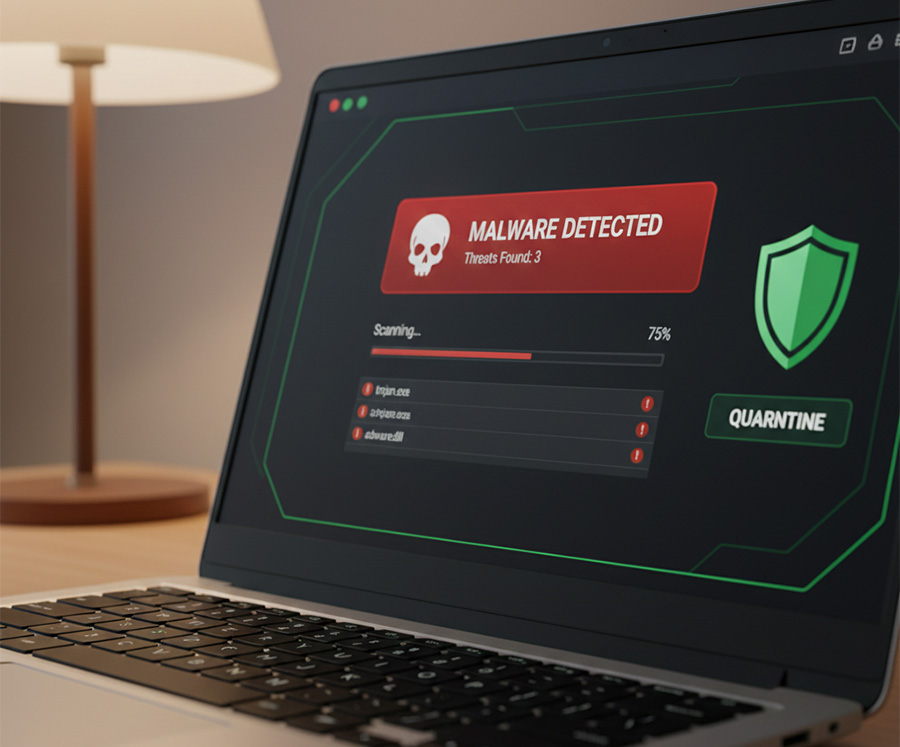
Understanding the repair process helps you make informed decisions. Computer virus scan and repairs, will follow a clear structure to ensure complete recovery.
1. Full System Diagnostics
First, I perform a complete diagnostic scan. This step identifies suspicious files, hidden processes, and registry changes. Then I verify which components are safe and which are malicious.
2. Malware Identification
Next, I determine the exact type of infection. Different threats require different removal methods. For example, spyware removal differs from ransomware response.
Accurate identification makes computer virus repair more effective.
3. Safe Malware Removal
After identification, I isolate and remove malicious files. I also disable harmful startup tasks. This prevents the infection from reinstalling itself.
Careful removal protects essential system files.
4. System File Repair
Malware often damages Windows system files. Therefore, computer virus repair includes repairing corrupted data, restoring missing components, and stabilizing the operating system.
5. Security Hardening
Finally, I strengthen your system security. This includes updating software, configuring firewall settings, and improving protection layers. As a result, your system becomes more resistant to future threats.
Computer Laptop Virus Repair Service Near Me: What to Look For
Often, when people do a search for “computer laptop virus repair service near me”, many focus only on price. However, expertise matters more than cost.
Look for:
- Clear diagnostic process
- Transparent communication
- Secure data handling – ensure they will make a backup before even getting started
- Proven malware removal experience
- Post-repair protection guidance
Although quick fixes seem appealing, proper computer virus repair requires careful attention. A rushed repair often leaves hidden threats behind.
Protecting Your System After Computer Virus Repair

Once a computer virus repair is complete, prevention becomes the next priority. Otherwise, reinfection can occur quickly.
To stay protected:
- Keep your operating system updated. Updates fix known vulnerabilities
- Install reputable antivirus software and keep it active
- Use strong, unique passwords for all accounts
- Enable your firewall for network protection
- Create regular backups of important files
Because cyber threats evolve constantly, ongoing protection is essential. In all honesty, you should always back up your files, even on a home computer. There are the cloud options, and this works really well as long as you do not have a huge amount of files. The great part about cloud storage is that it is off-site and can be accessed anywhere. Important if you had a robbery or housefire, your data is safe.
The downsides are limited free space, reliance on internet connectivity, potential privacy risks, and minimal control over data management. There is also the rare chance someone found your login credentials and was able to download all your data. You do always have the option of using an external hard drive. There is no limit other than how much you want to shell out for a huge drive. However, with an External USB Hard Drive, you control the data and you can always store it off-site as well.
Backups are good, a virus can wipe out more than just you operating system. I have seen them destroy motherboards and drives to where it will never come back.
When Computer Virus Repair Includes Data Recovery
Some infections delete or encrypt files. In these cases, computer virus repair may also require data recovery steps.
Ransomware often locks documents, photos, and business files. However, immediate shutdown and structured repair improve recovery chances. Therefore, avoid using the infected device until it is examined.
Quick action significantly increases the likelihood of restoring lost data.
How Long Does Computer Virus Repair Take?
The time required depends on infection severity. Minor threats may be removed within hours. However, complex malware infections can require deeper system restoration.
Factors that affect repair time include:
- Type of malware
- Level of system damage
- Storage size
- Encryption involvement
Although speed matters, thorough computer virus repair should never be rushed.
Preventing Future Infections
Prevention is easier than repair. However, both are important. Safe browsing habits reduce risk significantly.
- Avoid clicking unknown email links
- Do not download software from untrusted websites
- Verify attachments before opening them
- Use multi factor authentication when available
Because attackers use new tactics daily, awareness plays a major role in security.
Final Thoughts on Computer Virus Repair
Computer infections rarely fix themselves. Instead, they spread quietly and cause deeper damage. Computer virus repair restores performance, protects sensitive information, and strengthens your system against future threats.
If your device shows warning signs, do not wait. Early computer virus repair prevents data loss and identity theft. If you suspect an infection or need professional assistance, reach out through the form below so I can assess your system and help restore it safely. Fell free to check out my other article on the Best Free Antivirus With Real Time Protection.
Need Repair? Let’s Get It Fixed Today
Ready to Fix Your Computer Problem? Schedule Service Today!!