
One to One Computer Training at Home
Master your technology with patient and personalized expert guidance
Personalized tech support tailored to your unique pace and goals.
Technology should make your life easier, not more stressful. If you feel overwhelmed by your PC, tablet, or Mac, RDPShop IT Services provides the personalized, hands-on support you need. We specialize in one to one computer training at home, ensuring you get 100% of our attention without the distractions of a busy classroom or a crowded store.
Personalized In Home Computer Training
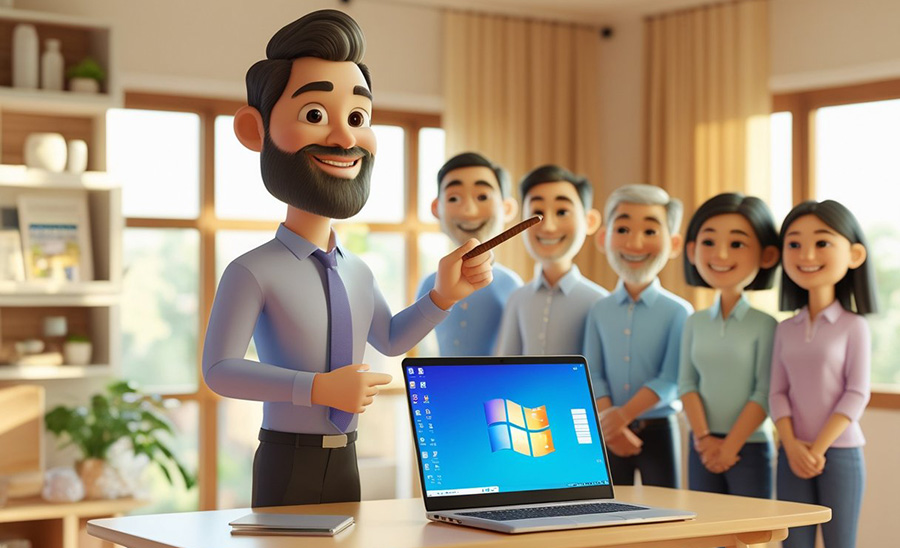
Most people struggle with technology because manuals are too technical and "big box" support agents move too fast. Our in home computer training is designed to meet you exactly where you are. We sit down with you at your own desk, using your own computer, to tackle the specific tasks you want to master.
From setting up printers to organizing years of digital family photos, we make the process simple and easy to understand.
Specialized In Home Computer Training for Seniors
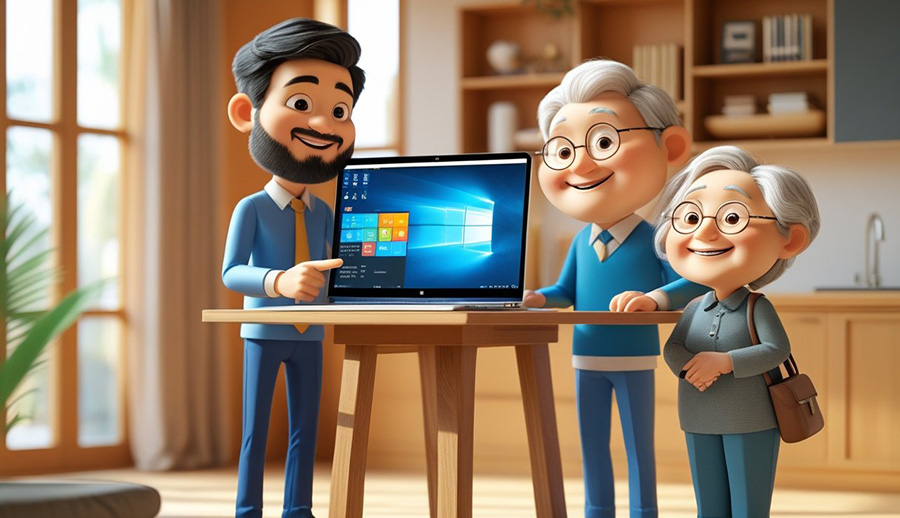
We take great pride in offering in home computer training for seniors who want to stay connected with family and friends. We understand the importance of patience and clear communication. We can help you:
Simple and Transparent Pricing
At RDPShop IT Services, we believe in straightforward pricing without hidden fees or expensive "protection plans."
Local In-Home Sessions
Get professional, one to one computer training at home for a personalized experience.
- Rate: Starting at $80 per session
- Note: Rates may vary based on your specific location and the type of training requested
Remote Learning via Zoom
If you have a quick list of questions or prefer a virtual meeting, our remote sessions are a convenient and affordable option
- Rate: A fixed rate of $30 for the first hour, reduced rate after the first hour
- How it works: We use Zoom to screen-share and walk you through any task in real time
Are You Sure You Need Training and Not a Repair?
Sometimes what feels like a learning curve is actually a technical glitch. If your computer is sluggish, crashing, or acting unpredictable, it might not be you—it might be the hardware.
Before we dive into a training session, I can perform a quick diagnostic to see if your device needs a professional tune up. I offer full onsite computer repair for everything from virus removal and "Blue Screen of Death" issues to hardware upgrades and networking fixes. Often it isn't you don't know how to print, it is the printer setup that is wrong.
My Promise: If the problem is technical and I cannot fix it, you do not pay. We will make sure your technology is running perfectly so you can focus on learning how to use it.
Why RDPShop IT Services is the Smarter Choice
Choosing a local expert for one to one computer training at home means you get better service without the corporate price tag. We believe in honest, upfront rates and zero hidden fees.
RDPShop also has a return customer discount. Other companies want to sign you up on a monthly or annual plan for continuous help. In reality, most people do not need help that would warrant spending that kind of money. Most people need help to get started and reminders once in a while.
That is why, after the first time you pay for a training session, then you are listed as a customer. Being a customer means you get a 30% discount for returning to training. No one else can beat that!!
Service Feature | RDPShop IT Services | Geek Squad & Big-Box Stores |
|---|---|---|
In-Home Training | Starting at $80 | $149 - $175+ |
Remote Support | $30 (Fixed Rate) | $40 - $100+ |
Annual Memberships | None Required | Often $199/year |
Learning Style | Patient & Personalized | Rushed & Highly Technical |
Support Method | Same person every time | Random agent each visit |
RDPShop IT Services
Geek Squad & Big-Box Stores
Book Your Training Today
Ready to finally feel in control of your technology? Whether you need comprehensive in home computer training or just a few pointers on a specific program, RDPShop IT Services is here to help.
Contact us today to schedule your first one to one session!
Frequently Asked Questions
Yes. While I provide in-home computer training in Knoxville, TN, I also offer one-on-one remote computer training via Zoom for clients anywhere in the United States. Remote sessions are fully interactive—I can see your screen and guide you step by step in real time. This makes professional computer training accessible and convenient, no matter where you’re located.
My goal with Computer Training at Home is to help you use technology comfortably and confidently in your daily life. Common training topics include basic computer skills like using Windows or macOS, organizing files, possible ergonomic needed mouse and keyboard. I also teach practical tasks such as online shopping, paying bills safely, using email, and staying connected with family through popular internet communications, or social media. For work or personal projects, I offer training in Microsoft Word, Excel, Google Docs, photo organization, and even starting a blog.
Most Computer Training at Home sessions last about 60 minutes. This length allows enough time to learn, practice, and ask questions without feeling overwhelmed. It’s the ideal balance between productivity and comfort, especially for beginners. If more time is required, we do discount rates. We are here to help, not empty your wallet.
Every client’s needs are different. Some people only need one or two sessions to complete a specific task or solve a problem. Others prefer ongoing weekly or bi-weekly computer training sessions to gradually build skills and confidence. There are no long-term contracts, you can schedule training as needed, based on your goals and comfort level.
Click here to book your session! We will reach out to set up a training schedule that works best for your needs.