
Why is my computer so slow all of a sudden, even though it worked fine last week? A slowdown almost always has a specific cause, and you can usually pinpoint it with a few quick checks before assuming you need a new machine.
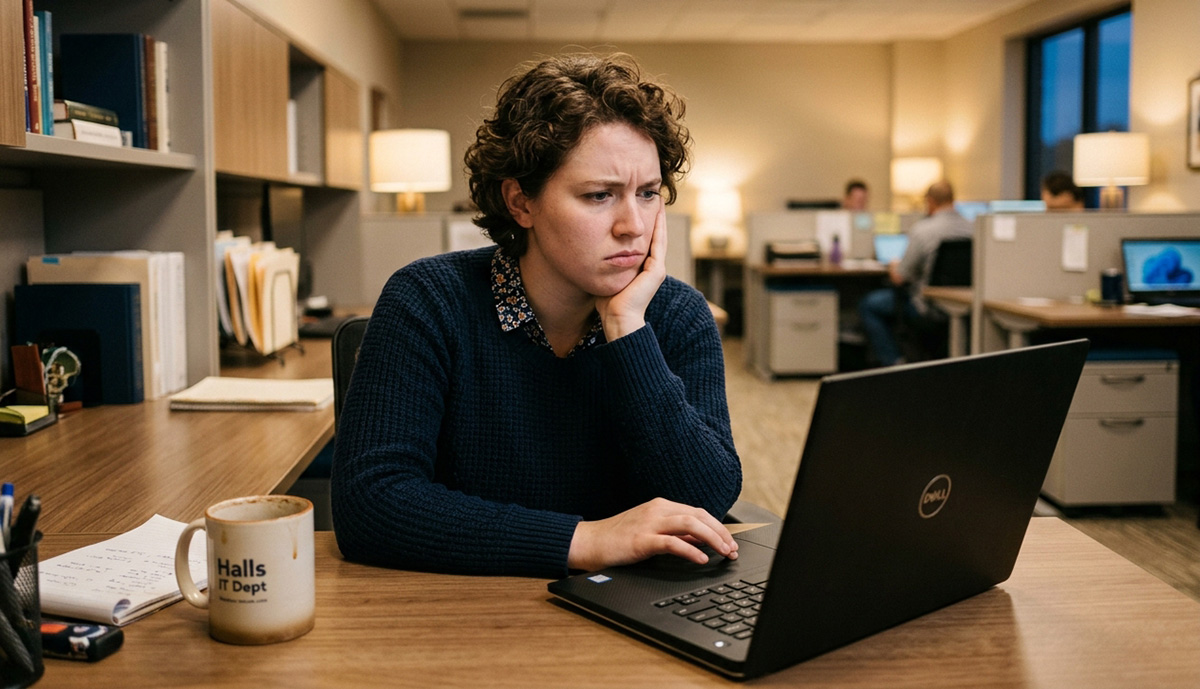
Why Is My Computer So Slow All of a Sudden?
The answer to why is my computer so slow all of a sudden, does not automatically mean it’s time to buy a new computer. So diagnose the cause first using the checks below, starting with the easiest.
Are Startup Programs or a Full Hard Drive to Blame?
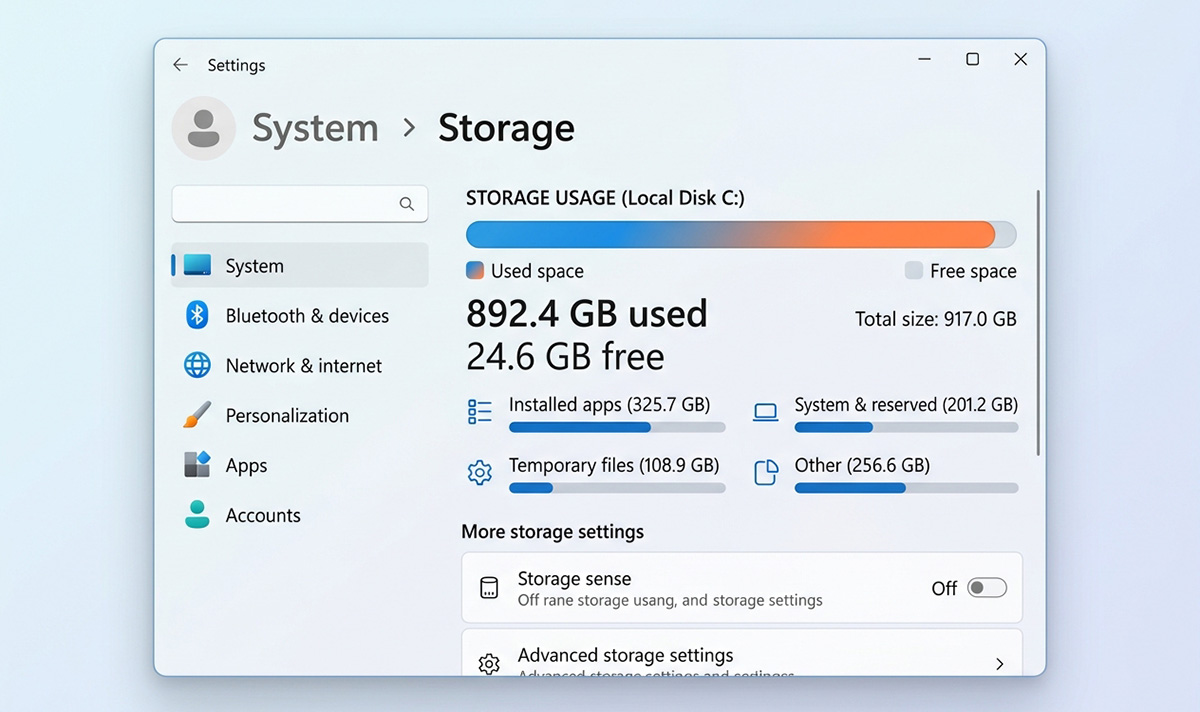
Too many startup programs and a nearly full drive are two of the most common culprits.
- Open Task Manager, then click the Startup apps tab. Right click on the taskbar and click on Task Manager. Or press Ctrl+Shift+Esc and that will pull up the Task Manager.
- Disable anything you don’t need running the moment Windows boots, but leave essential programs alone.
- Check available space under This PC in File Explorer.
- If your drive is nearly full, run Storage Sense or the built-in cleanup tool instead of deleting folders randomly.
Our guides on cleaning your computer so it runs faster and deleting Windows temp files fast walk through both steps in detail.
Is an Aging Hard Drive or Browser Clutter Slowing You Down?
An aging mechanical hard drive can feel dramatically slower than a newer SSD, especially on an older computer.
- If the computer still runs fine but drags after cleanup, an SSD upgrade often delivers a bigger improvement than software fixes alone.
- Close browser tabs you aren’t using.
- Remove browser extensions you don’t need.
- Restart the browser, then restart the computer.
Could Malware or a Windows Update Explain Why Is My Computer So Slow All of a Sudden?
Malware can quietly eat up CPU, memory, and disk resources, so run a scan if performance suddenly tanks alongside other odd behavior.
- Go to Settings, then Privacy & security, then Windows Security, then Virus & threat protection.
- Run a full scan and follow any recommended actions.
A recent Windows update could also explain why is my computer so slow all of a sudden, since updates sometimes trigger background work or driver issues right after installing. Give it a day or two before assuming the update itself is the problem.
When Does Failing Hardware Mean It’s Time for a Tune-Up or SSD Upgrade?
Failing hardware means it’s time for a tune-up or SSD upgrade when the slowdown continues after cleanup, or when you notice:
- Freezing or crashing
- Unusual noises
- Very high disk usage
- Apps repeatedly becoming unresponsive
That combination usually points to why is my computer so slow all of a sudden, especially on an older computer that’s otherwise still useful. Diagnosing the actual cause first saves you from replacing a computer that only needed a cleanup or a simple upgrade. If you are not sure or comfortable trying any of these suggestions, contact me, or make an appointment wit me.
Need Repair? Let’s Get It Fixed Today
Ready to Fix Your Computer Problem? Schedule Service Today!!