
Why doesn’t my computer recognize my USB drive, mouse, keyboard, or webcam? Often it’s a loose connection, bad USB port, faulty cable, or driver problem, not a dead device. Test the connection first, then work through the steps below to find the real cause.
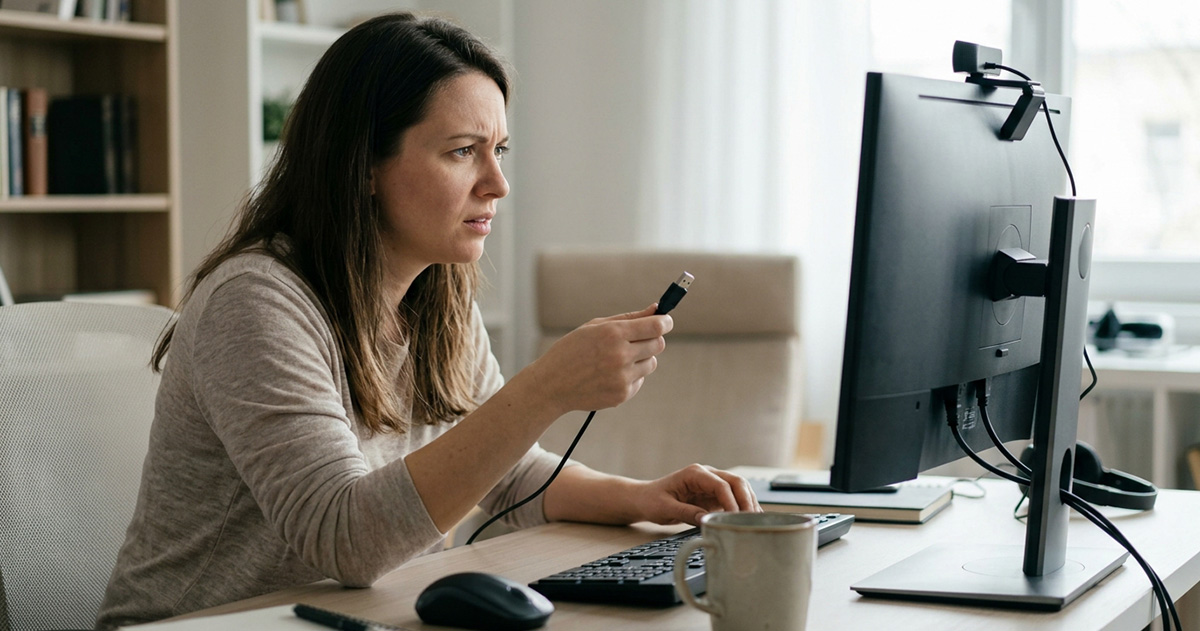
Why Doesn’t My Computer Recognize a USB Drive, Mouse, Keyboard, or Webcam?
Your computer usually fails to recognize a USB device because of a loose connection, a faulty USB port, a damaged cable, a USB hub, or a driver problem, not because the device itself is broken. These issues are common, and most take only a few minutes to check. If you’re wondering why doesn’t my computer recognize my USB drive, start with the simplest cause before you touch any settings.
Check the Physical Connection First
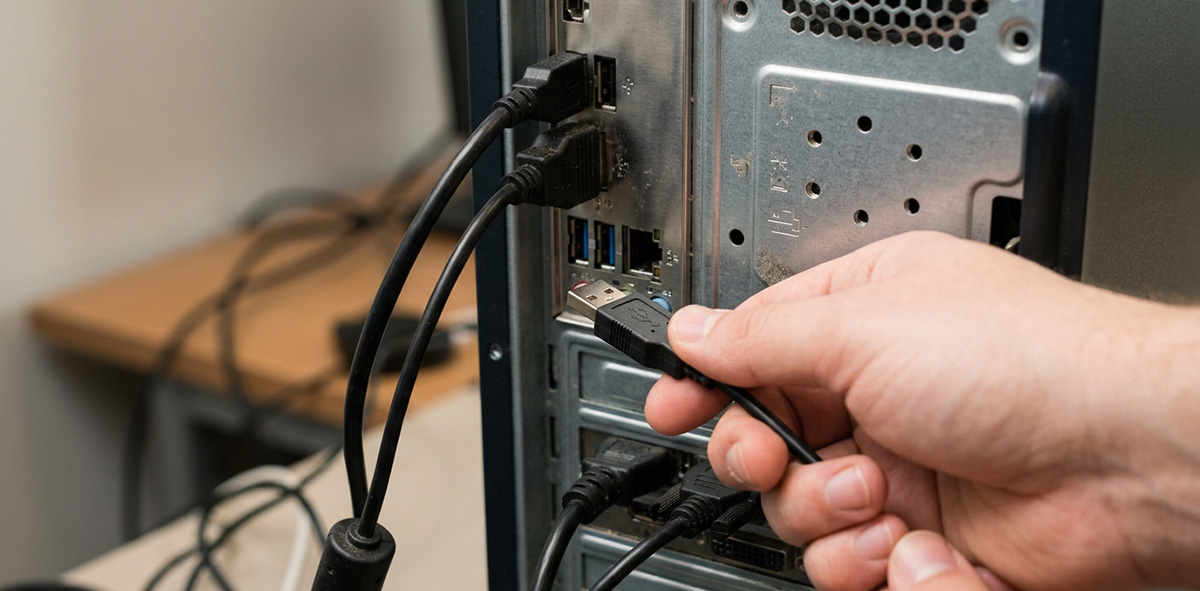
Checking the connection solves more USB problems than most people expect. Unplug the device, wait a few seconds, and plug it back in. If that doesn’t help, try these steps:
- Try a different USB port on the computer.
- Plug the device directly into the computer instead of through a USB hub.
- Check the cable for visible damage if it can be removed.
- Test the device on another computer, if one is available.
Trying another port doesn’t fix the problem by itself. It simply helps you figure out whether the original port is at fault.
Does the Problem Follow the Device or Stay with the Computer?
The problem follows the device if it fails on another port or another computer, and it stays with your computer if the device works fine somewhere else. Plug the device into a different port or a different computer to test it. If it works there, you’ve saved yourself from replacing something that works fine, and you know to focus on the port, cable, or driver instead of asking why doesn’t my computer recognize my USB drive.
I ran into this exact situation on a desktop in Norris, TN. A rear USB port had stopped working, and an older external backup drive with its own power supply was plugged into it. Once I unplugged that drive, let it cool down, and reconnected it to my laptop, the port on the desktop worked normally again. I was able to copy the client’s files to a temporary drive while they waited on a replacement.
If several USB devices stop working at once, suspect the port, a hub, or Windows itself. If only one device fails, the device, its cable, or its driver is the more likely cause.
Why Doesn’t My Computer Recognize the Device After Checking the Connection?
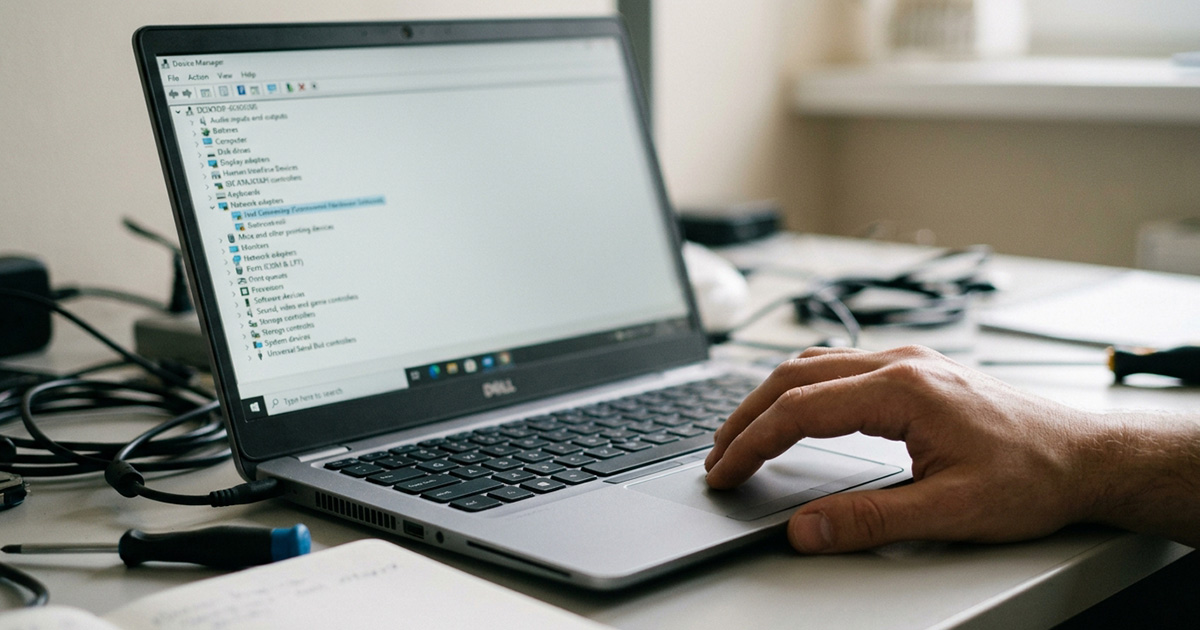
If you’re still asking why doesn’t my computer recognize my USB drive once the connection checks out, Windows is probably failing to load the correct driver. Open Device Manager, find the device, right-click it, and choose Update driver. If that doesn’t work, right-click the device again, choose Uninstall device, and restart the computer so Windows can reinstall the driver automatically.
A USB webcam sometimes hides under Cameras, Imaging devices, or Sound, video and game controllers instead of an obvious webcam category, so check those sections if you don’t see it right away.
When to Call a Professional
Sometimes a USB device not recognized error points to something bigger, like a computer that’s already running slow or struggling with driver conflicts. If your computer has been acting sluggish in general, it’s worth reading our guide on why your computer may be running slow, since some of the same causes overlap.
If you’ve tried all of this and you’re still asking why doesn’t my computer recognize my USB drive, the problem may involve a failing USB controller, motherboard issue, or a deeper Windows problem. That’s when it makes sense to bring in a professional instead of guessing further.
Ready to get it fixed? Look below to schedule a repair appointment and we’ll figure out what’s really going on.
Need Repair? Let’s Get It Fixed Today
Ready to Fix Your Computer Problem? Schedule Service Today!!