
How to tell if your hard drive is going bad comes down to patterns, not one warning. Check Windows error logs, SMART health data, and hardware diagnostics together. When several sources point the same way, treat the drive as failing and back up your files immediately.
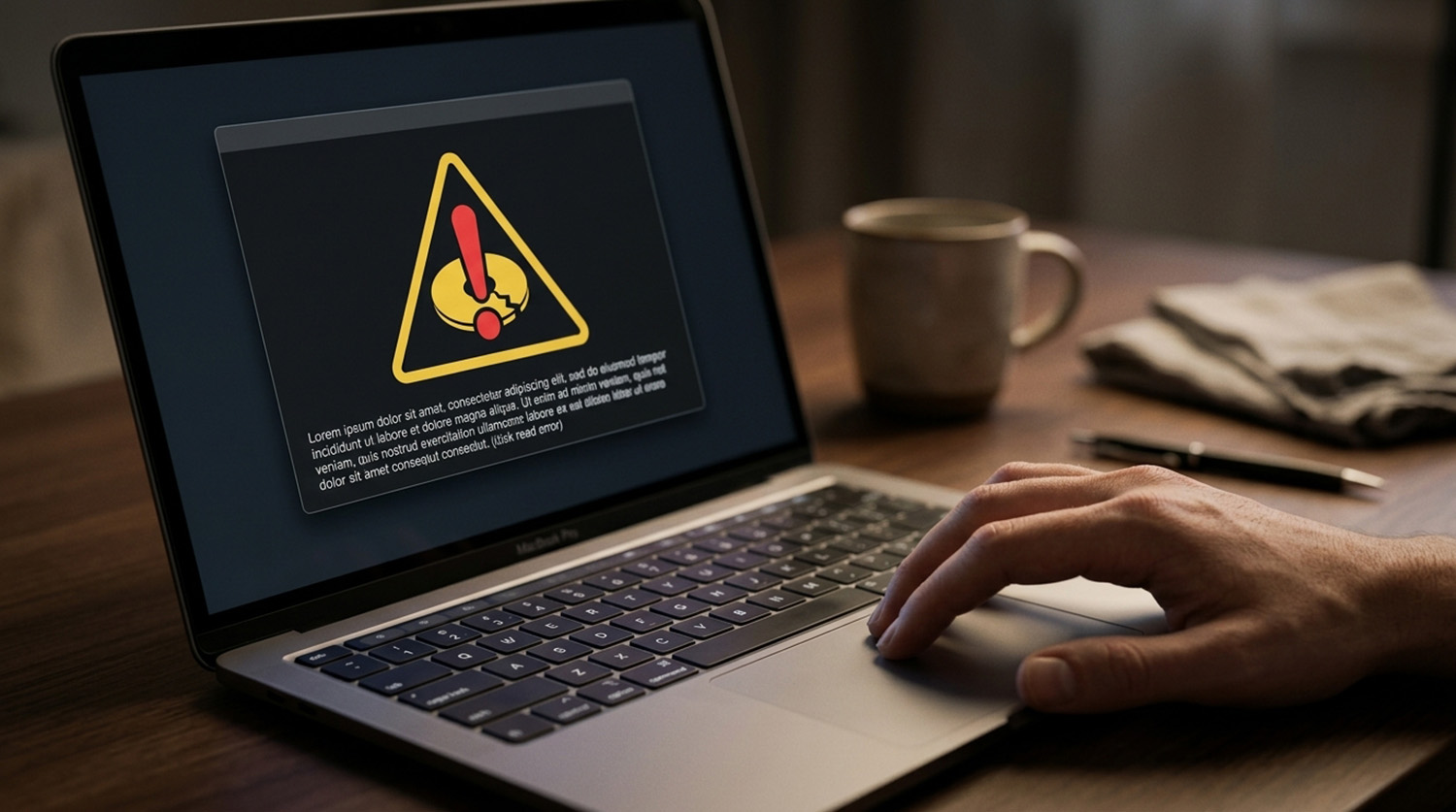
Back up your important files before you run any tests. A failing drive can get worse under heavy use. Learning how to tell if your hard drive is going bad starts with protecting your data.
How to Tell If Your Hard Drive Is Going Bad: What Are the Warning Signs?
Common warning signs include slow file access, freezing, repeated file corruption, crashes, and very slow startups. A mechanical drive may also click, grind, or repeatedly seek. Missing drives and Windows disk errors are red flags too.
None of these proves the drive is failing, because cables, drivers, and file-system problems look the same. A sudden slowdown alone does not point to the drive. Our guide on why your computer is suddenly running slow covers other causes.
These steps also apply to SSDs.
How Do I Check Windows for Storage Errors?
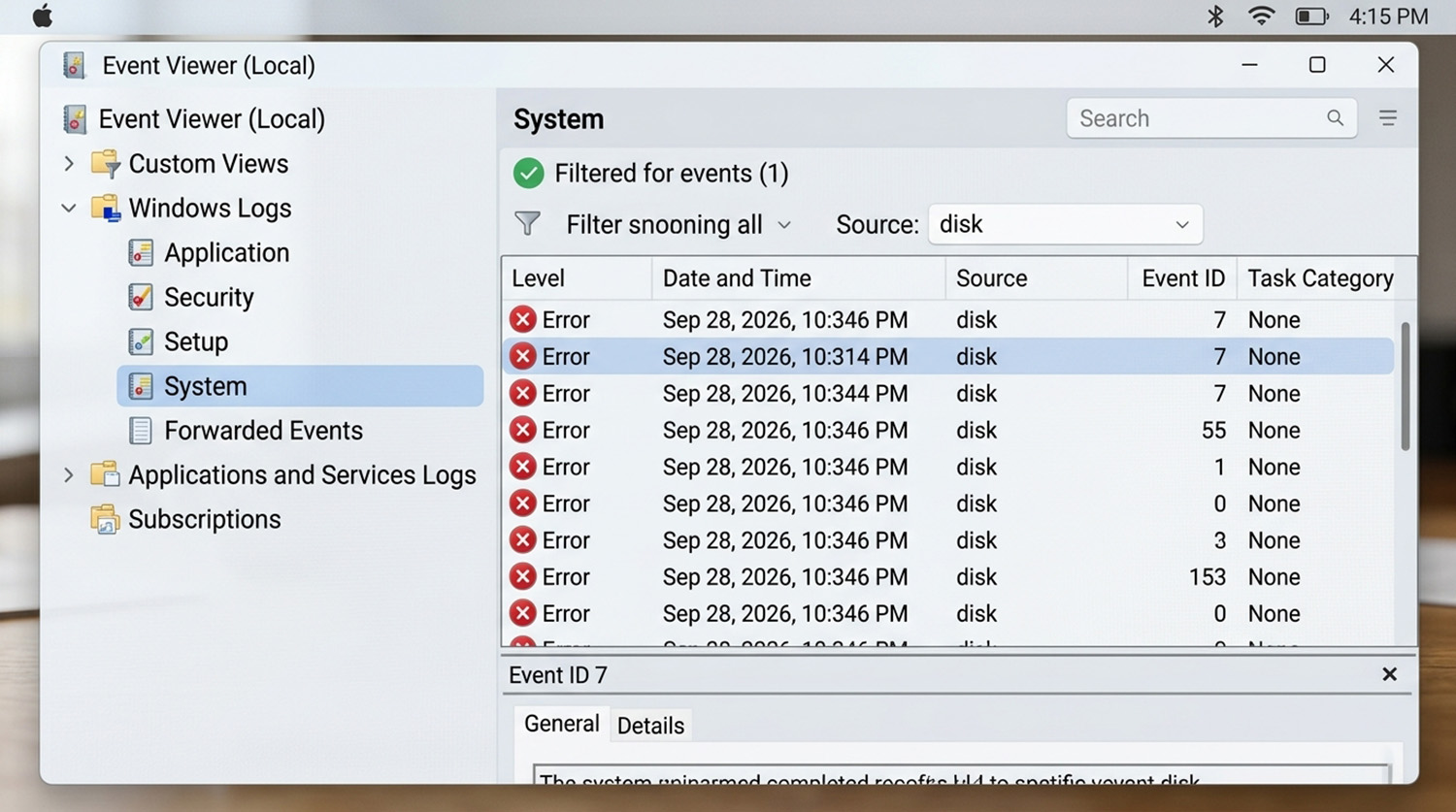
Open Event Viewer by right-clicking Start, then choose Windows Logs and select System. Look for repeated disk events. Event ID 7 reports a bad block, and Event ID 55 reports a corrupt file system.
Event ID 153 means Windows retried a disk operation. One event proves little, but a pattern of storage errors deserves attention. Press Windows key plus R, type perfmon /rel, and press Enter to see Reliability Monitor’s failure timeline.
What Does SMART Say About My Drive?
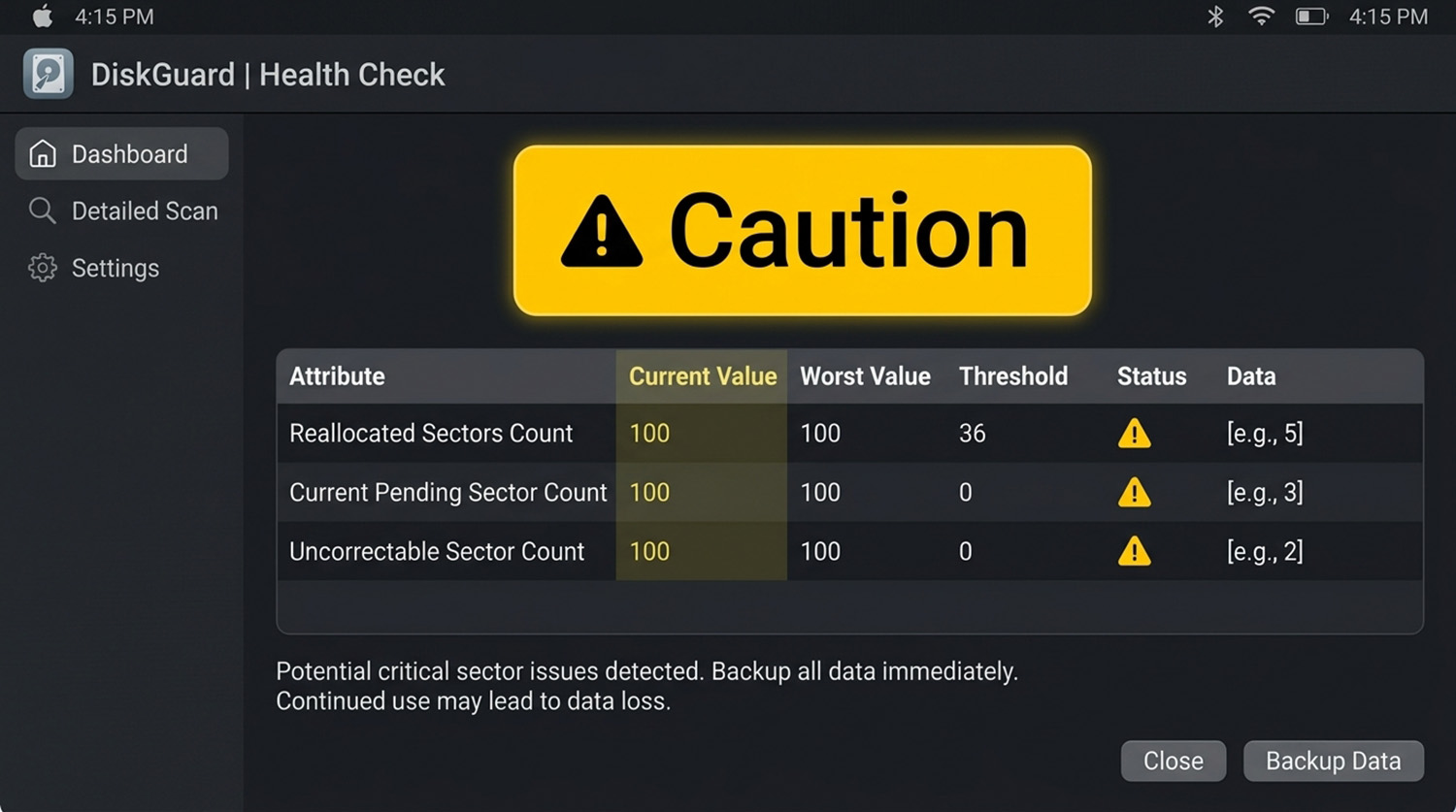
SMART reports the drive’s own health data, and CrystalDiskInfo shows it as Good, Caution, or Bad. CrystalDiskInfo is a free Windows tool that reads SMART data. On mechanical drives, watch the reallocated, pending, and uncorrectable sector counts.
A Caution or Bad status means you should back up now. No tool can predict exactly when a drive will fail. Checking SMART shows how to tell if a hard drive is going bad before Windows stops working.
How to Tell If Your Hard Drive Is Going Bad Outside of Windows?
Boot a diagnostic tool such as SeaTools Bootable from a USB drive to test the drive outside Windows. Its Short tests are quick. The Long test reads every sector, so large drives can take hours.
Skip any repair option until your files are backed up. Many computers also include manufacturer diagnostics in the boot menu. Dell, for example, offers preboot tests from the F12 menu.
Features vary by manufacturer, so check your documentation. Write down any error code exactly.
What If Every Test Passes?
A passing test does not clear the whole storage system. Cables, controllers, drivers, and file-system corruption can cause the same symptoms.
Compare the evidence instead of trusting one result. The strongest warning is a pattern of storage errors across Windows logs and hardware diagnostics. If you are unsure what your results mean, a technician can review them and help protect your data.
Need Repair? Let’s Get It Fixed Today
Ready to Fix Your Computer Problem? Schedule Service Today!!