
How to clean screens the right way depends entirely on what kind of screen you own. Your phone can handle a quick wipe-down, but your laptop cannot handle the same treatment. This guide breaks down exactly which method works for each device, so you never risk damaging your screen again.
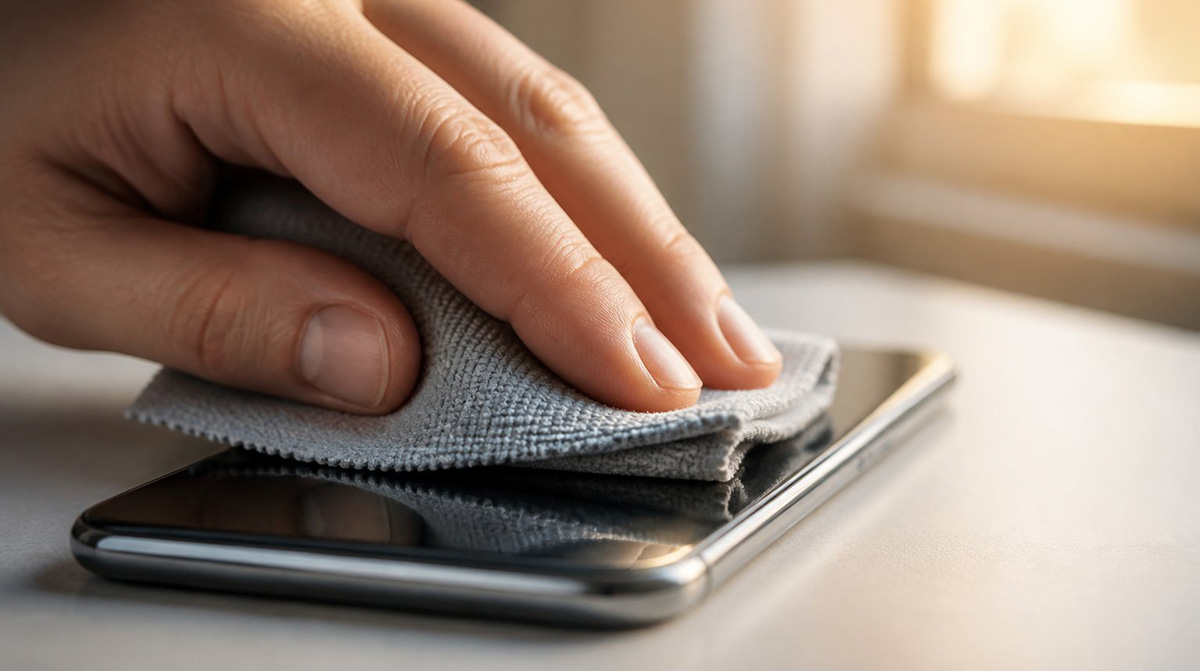
How to Clean Screens Safely: What’s the Best Approach?
How to clean screens safely comes down to matching your method to the exact screen material you own. Phones use tough glass, but laptops use softer plastic coatings. As a result, treating both the same way often leads to costly damage.
For instance, people touch their phones hundreds of times a day. That constant contact leaves behind oils, bacteria, and grime. Naturally, many owners want a fast and effective way to sanitize their devices.
A popular trick has emerged over the past few years. First, you wipe your phone with a disinfectant wipe. Then you quickly dry it with a microfiber towel. This method works because the wipe breaks down oils while the towel prevents streaking.
Major phone makers, including Apple, now allow occasional disinfectant wipe use on glass screens. However, this approach does not translate safely to every device. That means laptop and monitor screens need a gentler touch.
Most people look up how to clean screens because they want fast results without causing damage. Fortunately, safe cleaning does not take much time. It just takes the right tools for your specific device. They do make Electronic Screen Wipes that is versatile on all devices, it is just hard to find.
How to Clean Screens on Glass Touchscreens Like Phones and Tablets
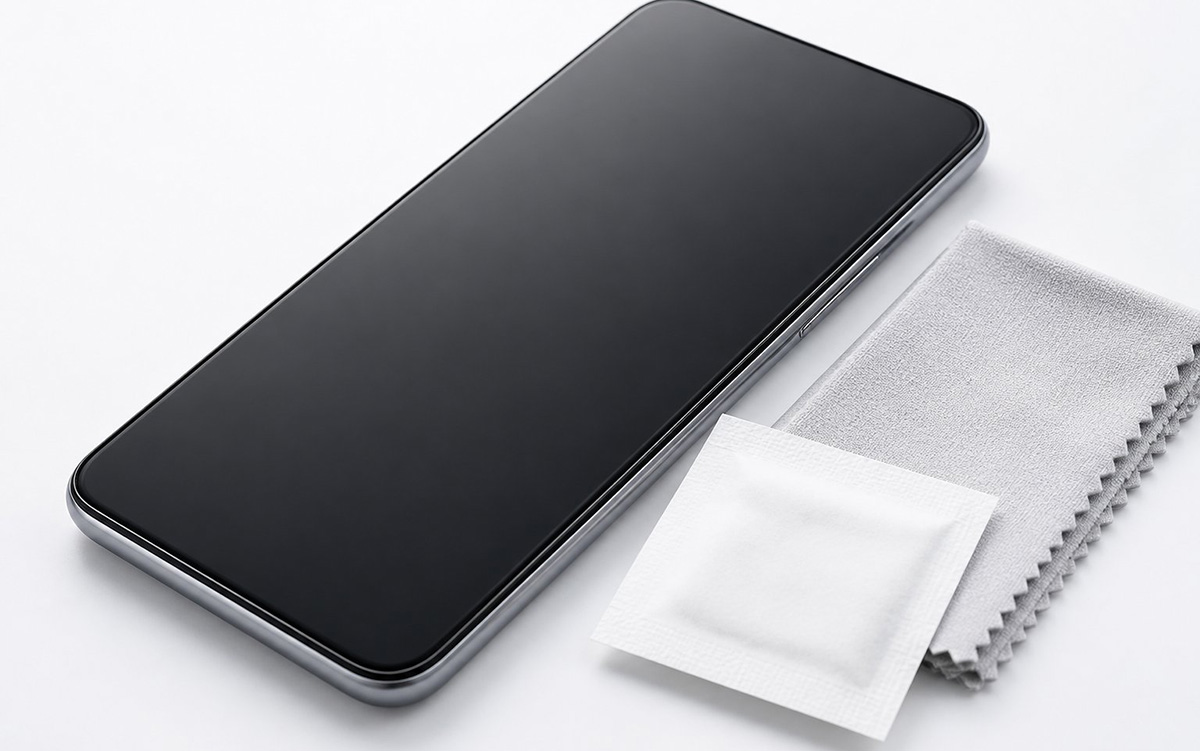
You clean screens on glass touchscreens like phones and tablets with a slightly damp microfiber towel. Occasionally, a disinfectant wipe works well too, since phones and tablets use heavy-duty, glossy glass. That means this glass can handle more moisture than you might expect. For quick sanitizing, a Clorox wipe followed by a dry microfiber towel works great.
However, you should avoid using disinfectant wipes as your everyday cleaner. That is because Clorox wipes contain quaternary ammonium compounds instead of alcohol. Over time, these compounds wear down your screen’s oil-repellent coating.
Once that coating breaks down, your screen collects fingerprints even faster. So save the disinfectant wipe for occasional deep cleaning only. Instead, for daily maintenance, stick with a dry or barely damp microfiber cloth.
If you want extra shine, mix distilled water with 70% isopropyl alcohol in a 50/50 ratio. Then dampen your cloth lightly, never the screen directly. This combination lifts oil without harming the coating.
In short, this is how you learn how to clean screens the smart way when your device uses glass.
Which Chemicals Should You Avoid on Phone Screens?
You should avoid ammonia, bleach, acetone, and pure alcohol sprays on phone screens because they strip protective coatings. Specifically, these chemicals react badly with oleophobic layers. Once damaged, that coating cannot come back.
Similarly, window cleaners also cause trouble. Many contain ammonia, which fogs and clouds glass over time. So stick to products made specifically for electronics instead.
Likewise, paper towels cause a different problem entirely. That is because their wood fibers create microscopic scratches with repeated use. Instead, always reach for clean microfiber, even in a pinch.
When in doubt, check your manufacturer’s cleaning guidelines first. For example, Apple, Samsung, and other brands publish official recommendations. These guidelines change occasionally, so a quick check saves you trouble. Ultimately, following official advice is the safest way to handle how to clean screens on any phone.
How Do You Clean a Laptop Computer Screen the Right Way?
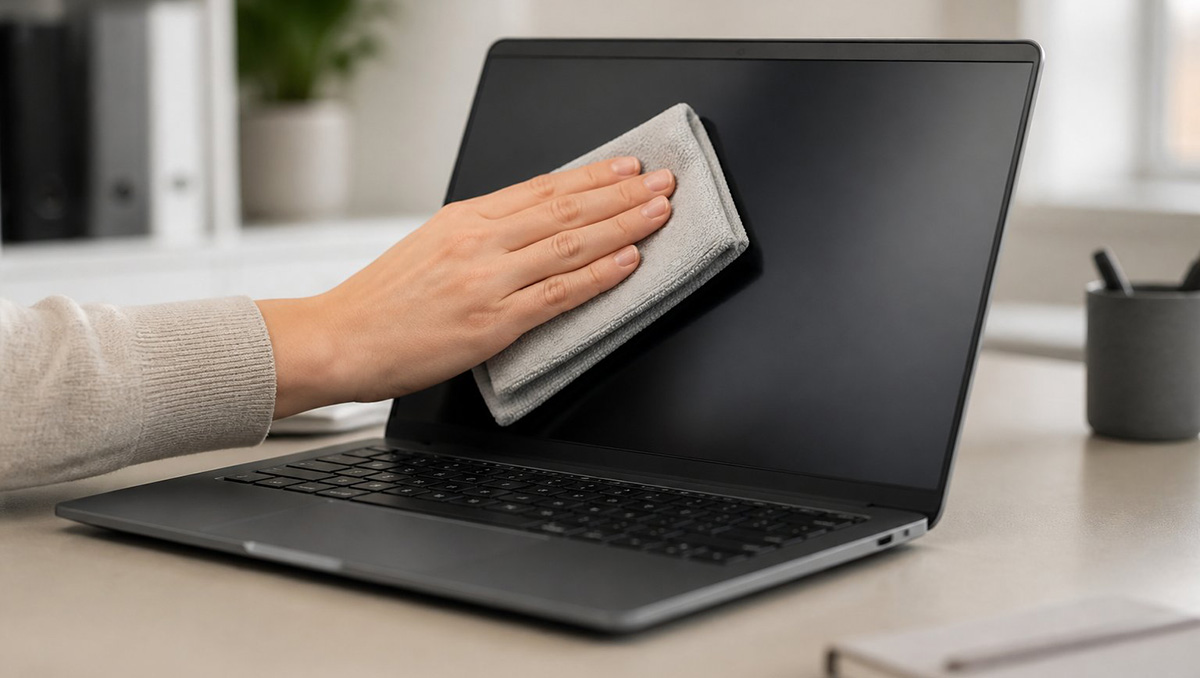
You clean a laptop computer screen with a dry microfiber cloth and gentle circular motions. That is because laptops and monitors use a different top layer than phones. Most screens have a soft plastic or anti-glare coating instead of glass. So that coating cannot handle harsh treatment.
Household disinfectant wipes are too aggressive for these screens. Specifically, ammonia-based cleaners and pure alcohol sprays can react with the plastic. As a result, this reaction causes cloudy spots, stripping, or permanent warping.
Instead, skip the disinfectant wipes on your laptop entirely. First, turn off the screen, since this makes smudges easier to see. Then wipe gently in circular motions with a dry microfiber towel.
Sometimes, stubborn grease needs extra help. Lightly dampen your cloth with distilled water instead of tap water. Tap water leaves behind mineral spots once it dries.
Many people search for how to clean a laptop computer screen after noticing greasy fingerprints near the keyboard. Typically, that residue transfers from your hands while typing. So regular gentle wiping prevents heavy buildup. Ultimately, this is part of how to clean screens correctly, no matter which device sits on your desk.
What’s the Safest Method for Matte and Anti-Glare Displays?
The safest method for matte and anti-glare displays follows the same rule as how to clean screens anywhere else. Use a dry microfiber cloth first.
Many laptop screens use matte coatings to reduce glare. So gentle pressure always works better than scrubbing.
First, start with a completely dry cloth. Then wipe in slow, circular motions across the entire screen. This alone removes most dust and light smudges.
For sticky residue, dampen your cloth slightly instead of spraying the screen. Also, fold the cloth so you control the moisture. Afterward, dry the screen immediately to prevent streaking.
Finally, let your screen air dry before you close the laptop lid. Trapped moisture can damage internal components over time.
How Do You Clean a Computer Screen Without Ruining the Coating?
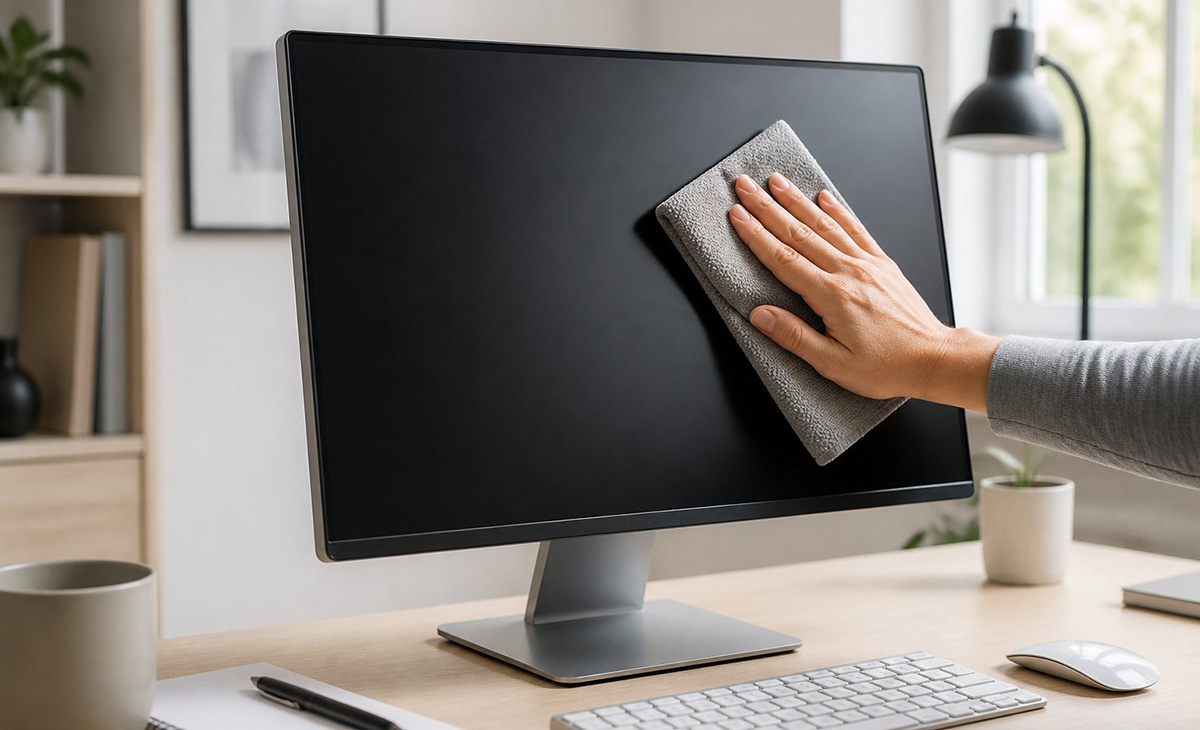
You clean a computer screen without ruining the coating by using minimal moisture and the right cloth every time. In fact, learning how to clean screens on desktop monitors follows the same logic as laptops. Treat them with the same gentle approach.
Never spray cleaner directly onto any screen. That is because liquid can seep under the bezel and reach internal components. Instead, always spray your cloth first, away from the device.
Knowing your screen material makes all the difference. For example, glass tolerates more moisture and occasional disinfectant use. Meanwhile, plastic and matte coatings need a lighter, drier touch.
Some people also wonder how to clean a computer screen attached to an all-in-one desktop. The same rules apply here as well.
Also, cleaning your screen matters, but so does the inside of your machine. Over time, dust buildup inside your computer can slow performance. So learn how to clean your computer so it runs faster for a complete tune-up.
What Are the Golden Rules for How to Clean Screens on Any Device?
The golden rules for how to clean screens on any device are simple. Basically, you spray your cloth, not the screen, and always use clean microfiber. These three rules apply no matter what device you own.
- First, never spray liquid directly on your screen. Otherwise, moisture can seep under the bezel and damage the display board.
- Second, never use paper towels or napkins. That is because wood fibers scratch screens on a microscopic level with repeated use.
- Finally, avoid harsh chemicals like ammonia, bleach, and acetone. These strip protective coatings on both glass and plastic screens.
Overall, screen cleaning is not a one size fits all job. Quick tricks like disinfectant wipes work well on tough glass phone screens. However, those same harsh chemicals will permanently ruin delicate plastic laptop and monitor coatings. So the safest, most budget friendly approach is knowing your screen material and using clean microfiber with controlled moisture.
In the end, follow these rules, and your screens will stay streak-free and undamaged for years. Really, the secret to how to clean screens correctly is patience, not power. A gentle cloth beats a harsh chemical every single time. As mention earlier, they do make Electronic Screen Wipes and that is always an easier way, just finding them local can be a challenge.