
Wi-Fi is connected but it says no internet access because your computer has a working link to the router, but something between the router and the internet itself is broken. Before touching your router, check a second device first, since that quick test tells you exactly where to look.
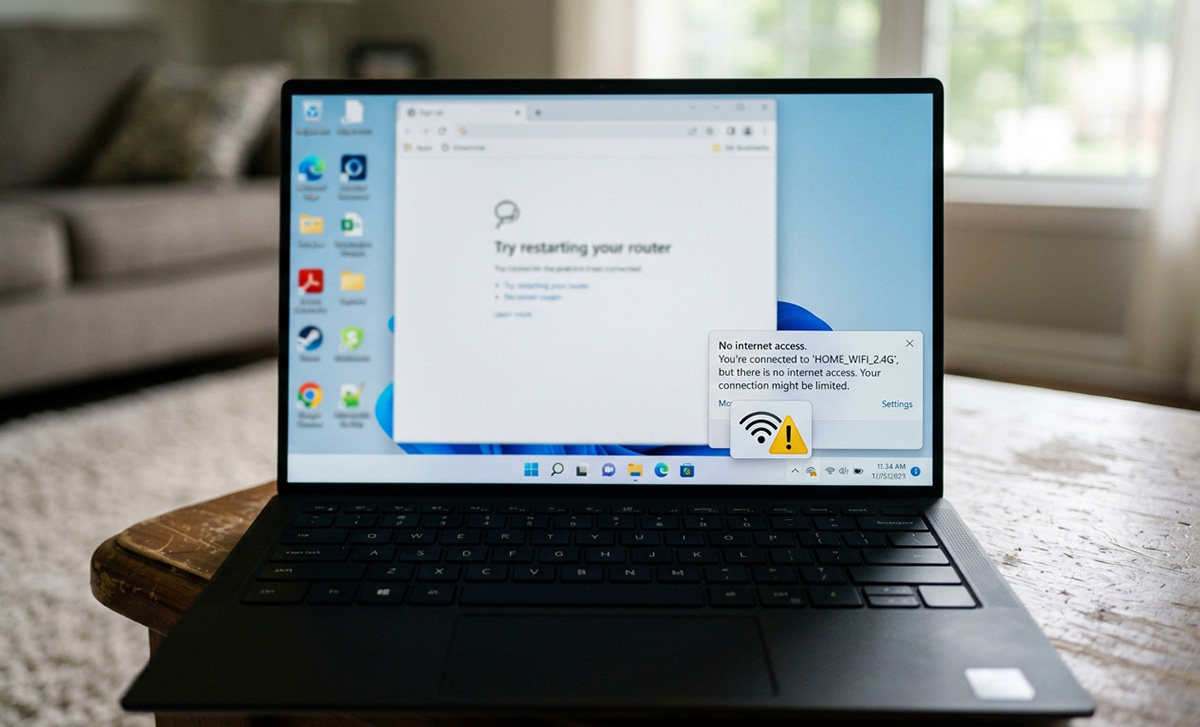
Wi-Fi is connected but it says no internet access because your computer has power at the router but no working path to the internet itself, and figuring out where that path breaks starts with one simple test, not a router restart.
Before touching your router, check a second device, like a phone or tablet, on the same Wi-Fi. This one test tells you almost everything.
What Does It Mean If Every Device Loses Internet?
If every device shows no internet, the problem is your router, modem, or your internet provider, not your computer. This is different from a single computer where Wi-Fi is connected but it says no internet access on just that one machine. Start by restarting both the router and modem. This single step resolves the issue in a large share of cases. If you have a combined modem and router gateway, like many Xfinity, AT&T, or Spectrum setups use, hold the power button for about 10 seconds, release it, then wait about 2 minutes before testing again.
If restarting doesn’t help, check for an outage using your phone’s cellular data instead of Wi-Fi, and look at your provider’s status page or a site like Downdetector. It’s also worth checking the Ethernet cable between your modem and router for a loose or damaged connection.
What If Only My Computer Says No Internet Access?
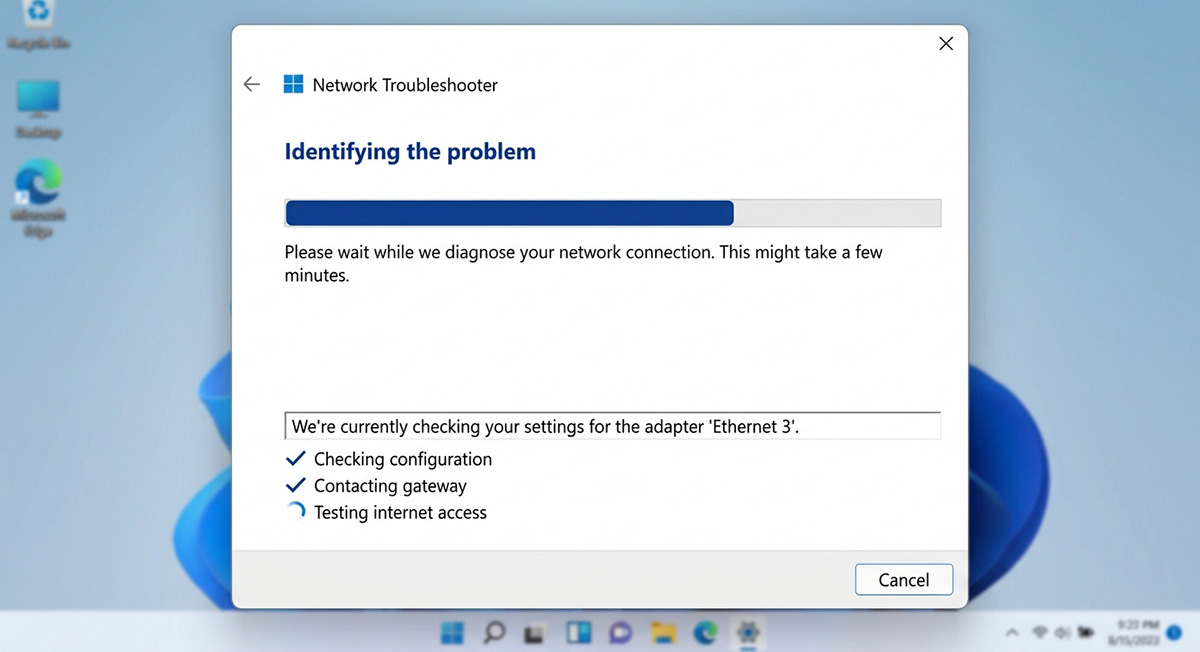
If your second device works fine and only your computer says no internet access, the problem is local to that one machine. A computer says no internet access but is connected to wi-fi when the wireless connection itself is fine, but something between your computer and the internet is broken. Try renewing your computer’s IP address, updating its network drivers, or running Windows’s built-in network troubleshooter.
An IP address conflict, where two devices accidentally grab the same address, can also knock one device offline while others stay connected. Restarting your router or network adapter usually clears this. Forgetting the Wi-Fi network on your computer and reconnecting with the password can also fix a stuck or corrupted network profile.
Outdated router firmware and DNS server issues can occasionally cause this too, though they’re less common and often worth a professional look if basic steps don’t help.
Why Check a Second Device Before Doing Anything Else?
Before you touch your router, touch a second device. It tells you in ten seconds whether you’re fixing your network or fixing your computer. Skipping this step is how people end up updating drivers on a computer that was never the problem, or restarting a router that was working the whole time, even when Wi-Fi is connected but it says no internet access on only one device.
It’s also worth noting that Wi-Fi is connected but it says no internet access is a different problem than a computer that’s simply running slow. If your computer feels sluggish rather than disconnected, our guide on why your computer is running slow covers those causes separately.
Need Repair? Get in Contact Today
Need Repair? Let’s Get It Fixed Today
Ready to Fix Your Computer Problem? Schedule Service Today!!