
Home office setup can feel overwhelming when your computer, Wi-Fi, printer, and workspace all need attention at once. Whether you work remotely for an employer or run your own business, technology problems can slow you down. This guide shows you how the right support keeps your entire workspace running smoothly.
What Does a Home Office Setup Really Include?
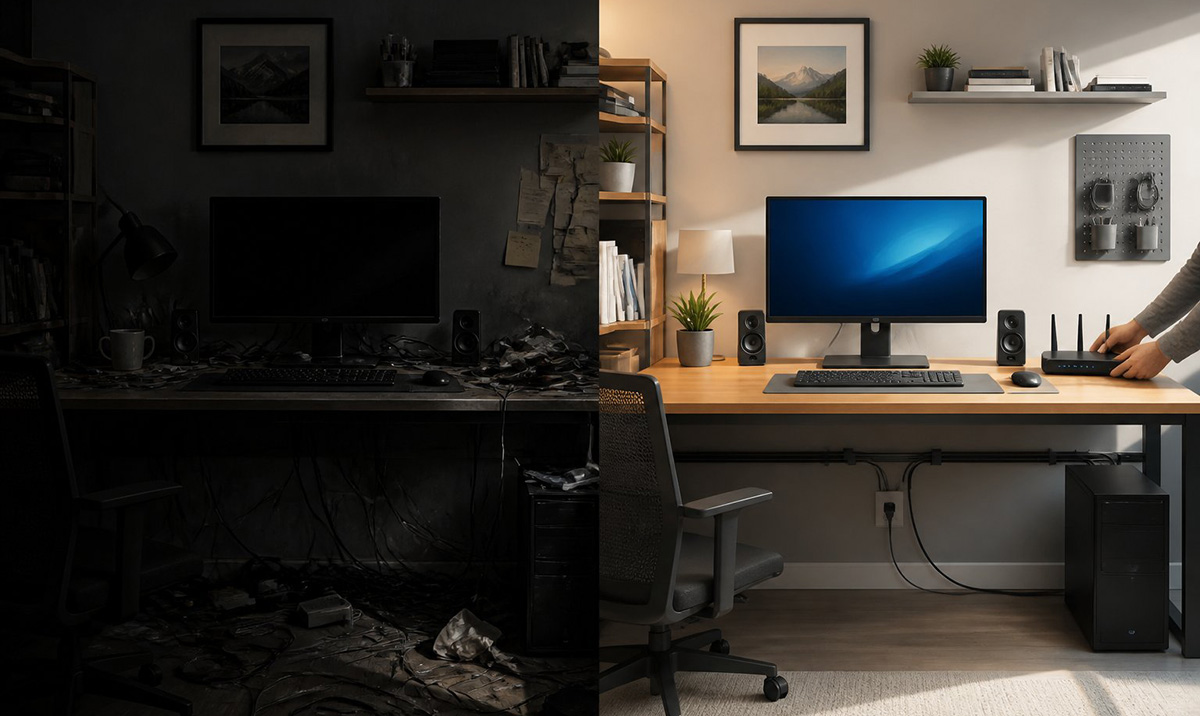
A complete home office setup includes far more than a laptop and a desk. You need a working computer, reliable Wi-Fi, and a printer that actually prints. You also need monitors, cables, peripherals, and software that all work together.
Many people focus only on furniture when they think about a home office. However, the technology behind your workspace matters just as much as the chair you sit in. When one piece breaks down, your entire workday can stall.
A true home office computer setup also includes the smaller details people often forget. Cable management, backup drives, and printer drivers all play a role. These small pieces can cause big problems when you ignore them.
Think about your last technology headache at home. Maybe your Wi-Fi dropped during a client call, or your printer refused to connect. These moments show why a home office setup needs both good equipment and reliable support behind it.
A strong home office setup also supports your daily focus, not just your equipment list. When your tools work correctly, you spend less time troubleshooting and more time on your actual tasks. That difference adds up over a full workweek.
Why Doesn’t Corporate IT Support Cover My Home Office?
Corporate IT support usually stops at your company laptop and its software. Your employer’s IT team can often remotely fix software issues, manage security, and configure your VPN. However, they rarely visit your house to set up monitors or fix your home Wi-Fi.
This gap leaves many remote employees stuck. You may have excellent support for your work laptop, yet no one to call when your printer stops working. Your home network, cables, and peripherals are usually your own responsibility.
That gap can feel frustrating, especially during a busy workweek. You still need your whole workspace to function, not just the company-issued device. A local technician can fill that gap by supporting the parts corporate IT does not cover.
This is exactly where work from home IT support becomes valuable. It picks up where your employer’s coverage ends. You get help with the physical equipment your company will never touch.
Many remote employees do not realize this gap exists until something breaks. By then, a small Wi-Fi issue can turn into a missed meeting. Having a local contact ready can prevent that stress.
What Happens When You Run Your Own Business From Home?
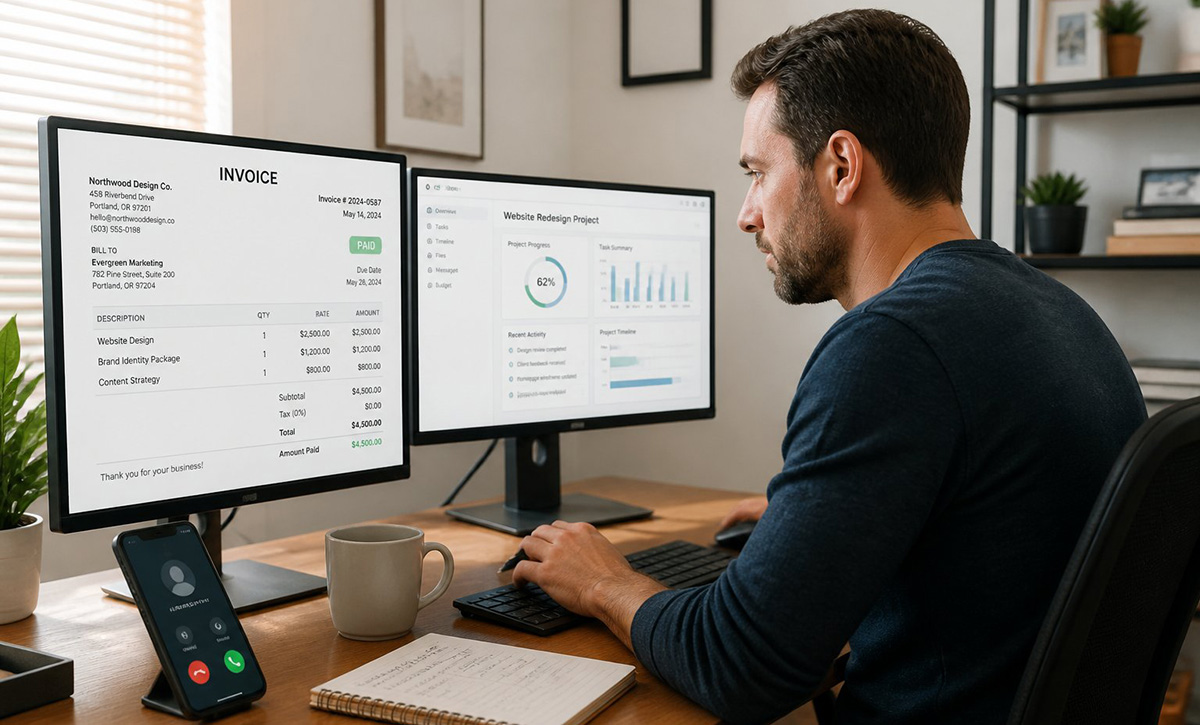
Freelancers, consultants, and independent business owners often have no IT department at all. You are responsible for every computer, cable, router, and software program in your workspace. When something breaks, it can directly affect your income.
A slow computer or dead Wi-Fi connection does not just waste your time. It can delay client work, disrupt invoicing, or cause you to miss a deadline. Your business depends on your technology working every single day.
If you run a home-based business, you likely wear many hats already. Technology troubleshooting should not have to be one of them. Reliable work from home computer tech support lets you focus on your actual work instead of your equipment.
Business owners often try to fix problems themselves to save money. This can work for small issues, but it often costs more time than it saves. A professional can usually solve the same problem in a fraction of the time.
For business owners who also need broader repair help, computer repair services in Knoxville can address hardware issues. These services go beyond your daily home office needs.
A dependable home office setup gives your business a stable foundation to grow on. Clients notice when calls drop or files load slowly. Investing in reliable support protects both your time and your reputation.
How Can Local IT Support Help With Your Home Office Setup?
Local IT support helps by treating your home office setup as one complete system instead of separate problems. A technician can look at your computer, monitors, printer, Wi-Fi, and cables together. This approach finds issues that a single fix might miss.
For example, a weak Wi-Fi signal can affect your video calls, file uploads, and even your printer connection. Fixing only the printer would leave the underlying network problem in place. A trained technician checks how every device connects and communicates.
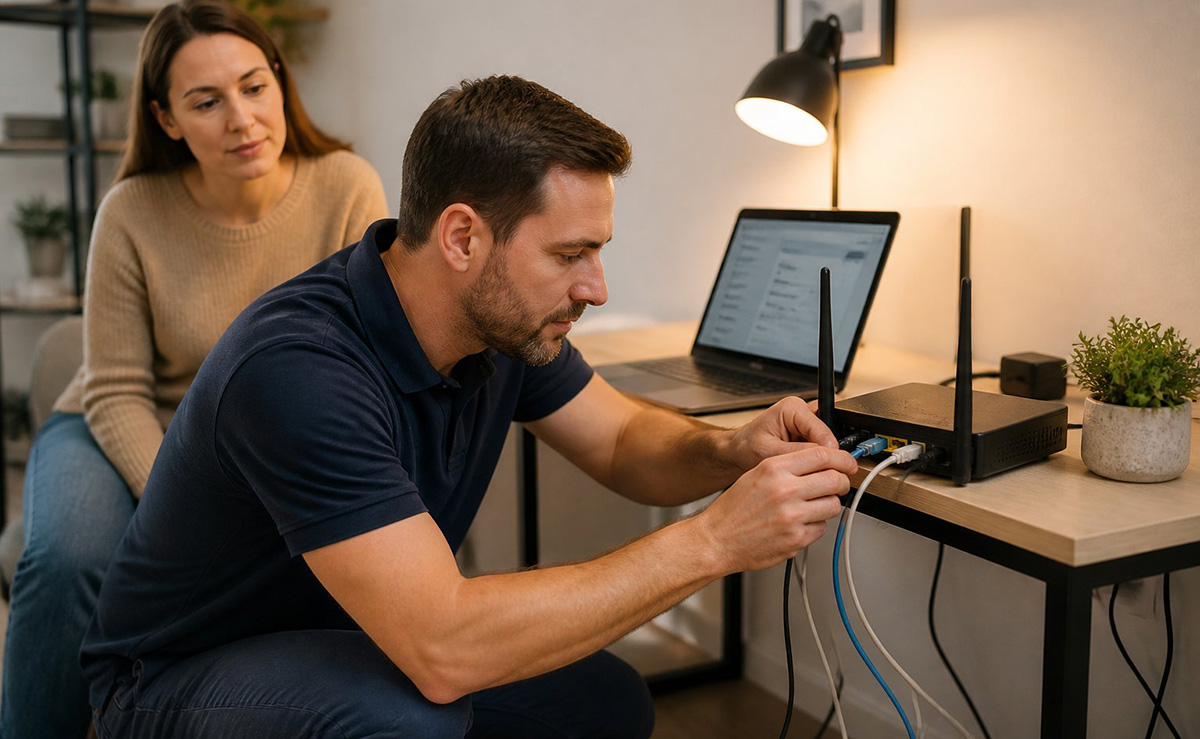
This system-wide approach also applies to your networking setup. If you need stronger Wi-Fi coverage or a more secure connection, home and business networking services can help. Good networking support prevents many other tech problems before they start.
Reliable work from home tech support also means someone understands your full setup, not just one device. This context matters when problems overlap. A technician who knows your network can often solve a printer issue faster than starting from scratch.
This is the real value of treating your home office setup as one connected system. Instead of guessing which device caused a problem, you get answers based on the whole picture. That saves you time and reduces repeat visits.
What Services Does RDPShop Offer for Home Office Setup?
RDPShop offers a full range of services built around your home office setup, not just isolated repairs. Services include computer setup, monitor installation, printer configuration, and Wi-Fi troubleshooting. RDPShop also helps with networking equipment, software installation, and cable management.
Beyond the technology itself, RDPShop can assist with the physical workspace where appropriate. This includes arranging equipment and furniture so your setup is comfortable and efficient. A well-organized desk reduces strain and helps you stay focused during long workdays.
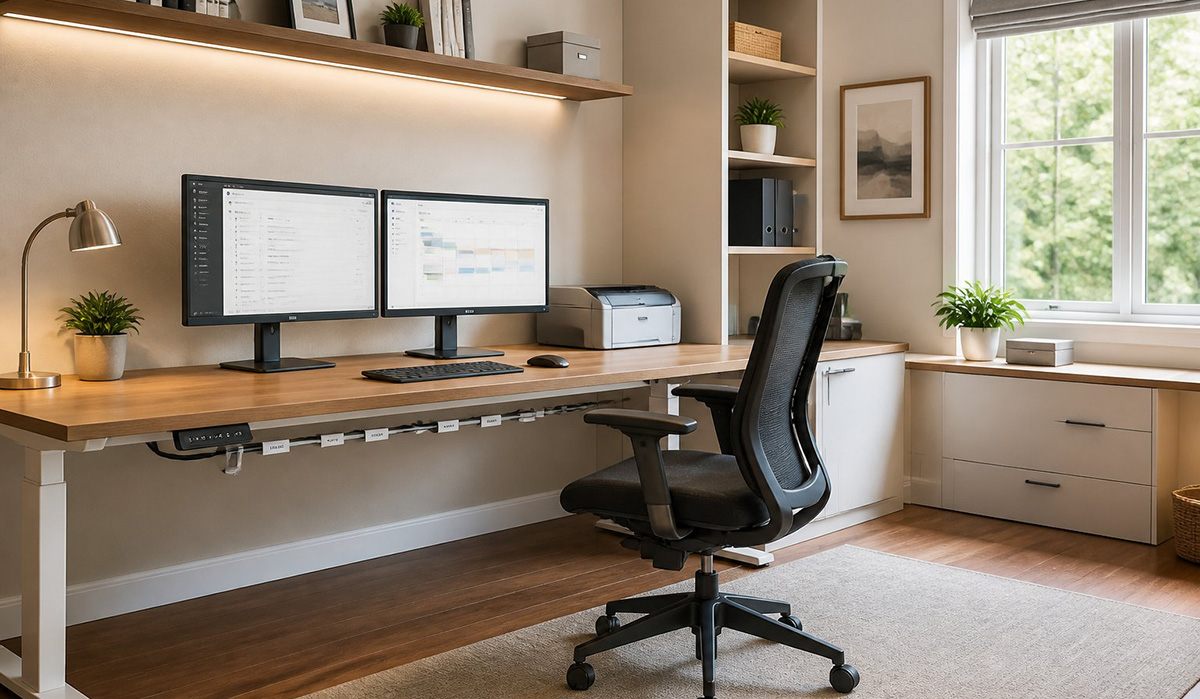
These services work for employees and business owners alike. Whether your employer covers software support or you handle everything yourself, RDPShop can fill in the gaps. You get one local resource instead of juggling multiple vendors and manuals.
This matters most for people who provide IT support for remote workers within their own households too. Some homes have more than one person working remotely at once. Shared Wi-Fi, shared printers, and multiple monitors all need to work without conflict.
How Do You Keep Your Home Office Setup Working Long Term?
Keeping your home office setup running long term means treating support as ongoing, not a one-time event. Your needs today might include setting up a new monitor. Next month, you might need help with a Wi-Fi upgrade or a printer replacement.
Technology changes as your work changes. You might add a second monitor, switch software programs, or expand your network as your business grows. Ongoing support means someone already understands your setup when new needs arise.
Instead of researching every problem yourself, you can call someone who already knows your equipment. This saves time during stressful moments, like a printer failure right before a deadline. Consistent support also means fewer surprises and less downtime overall.
A strong home office setup is not something you build once and forget. It grows and changes as your work does. Having a trusted technician along the way keeps that growth smooth instead of stressful.
Regular check-ins on your home office setup can also catch small problems early. A slightly slow computer today can become a bigger failure next month. Early attention often costs less than an emergency repair later.
Frequently Asked Questions About Home Office Setup
Do I Still Need Help If My Employer Provides IT Support?
Yes, you often still need extra help even with employer-provided IT support. Corporate IT typically covers your company laptop and its software only. Your monitors, printer, Wi-Fi, and furniture usually fall outside their responsibility.
Can RDPShop Help Me Choose the Right Equipment for a Home Office Setup?
Yes, RDPShop can help you choose equipment that fits your specific home office setup needs. A technician can recommend monitors, routers, and peripherals based on your work tasks. This prevents you from overspending on features you will never use.
Do You Help With Office Furniture Too?
Yes, RDPShop can assist with arranging furniture and equipment where appropriate. A functional layout supports both your comfort and your technology. Cable placement, monitor height, and desk space all affect how well your setup performs.
What if I Only Need Help With Wi-Fi or Networking?
That is a common and valid request for many home workers. You do not need a full office overhaul to get networking help. A technician can focus specifically on improving your Wi-Fi signal and connection stability.
Is RDPShop Available for Ongoing Support, Not Just One-Time Setup?
Yes, RDPShop provides ongoing support rather than a single visit and goodbye. You can call whenever new issues come up, from equipment upgrades to sudden technical problems. This makes RDPShop a long-term resource for your home office setup.
You do not have to solve every home office technology problem alone. If your computer, network, or equipment needs attention, you can request computer repair service. You will get hands-on help from someone who understands home office setup and IT support.
Need Repair? Let’s Get It Fixed Today
Ready to Fix Your Computer Problem? Schedule Service Today!!