
Why did all my emails disappear? In most cases, they did not vanish at all. Your messages were likely moved, filtered, archived, or hidden by a sync issue rather than deleted. Before you panic, work through a few simple checks to track them down.
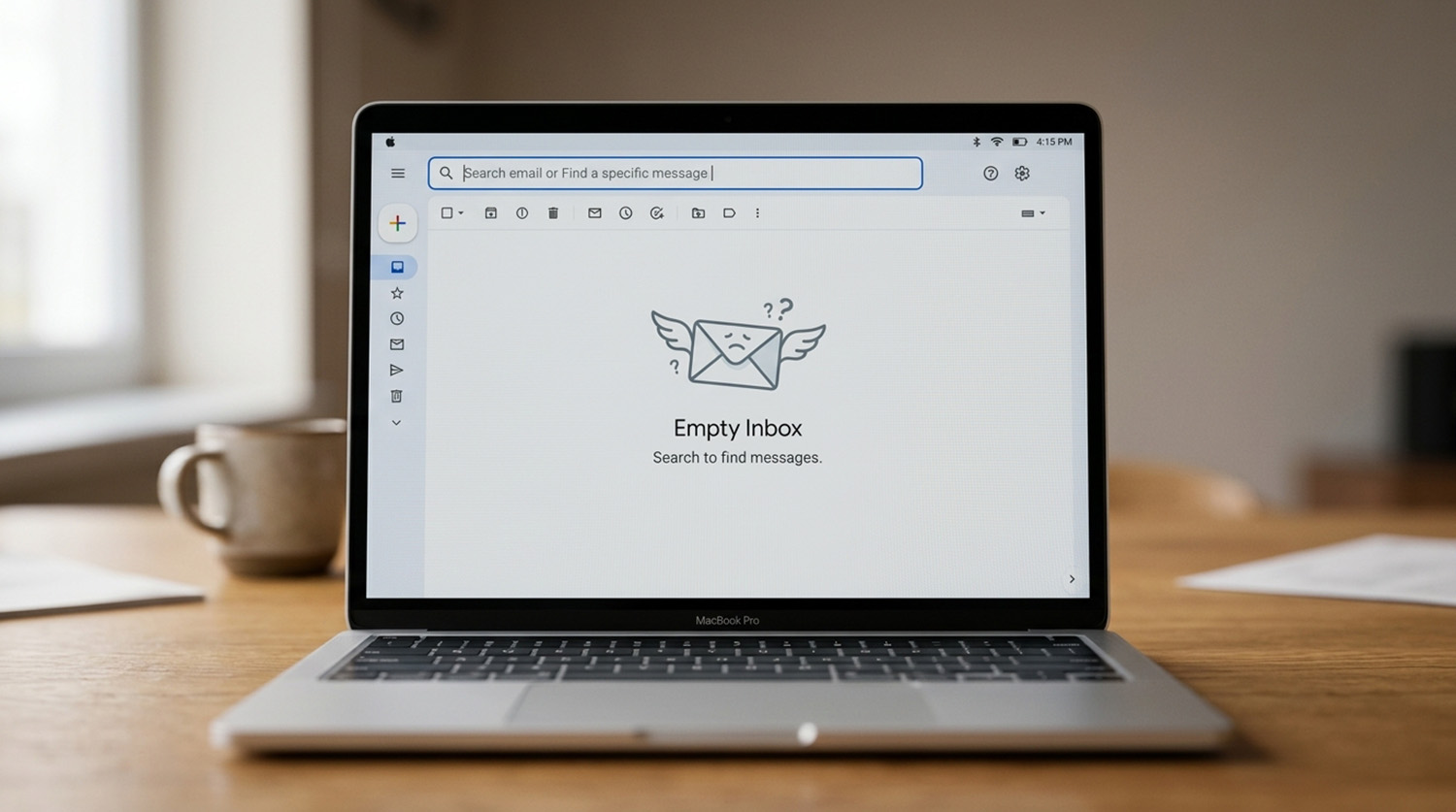
Before assuming your emails have been deleted, it helps to figure out what actually changed. Are the messages missing from one folder, gone from the entire account, or missing only on one device? The answer can point you toward the right fix. In many cases, a quick look at your folders, search settings, filters, and account sync can reveal where those missing messages went.
Why Did All My Emails Disappear?
Your emails likely were not deleted at all. Missing messages are often moved, filtered, or archived somewhere else. A sync problem can also hide messages that still exist in your account. Determining whether your emails are gone, or just not displayed, comes first.
Where Should You Search First?
Search your account first, before checking anything else. Gmail, Outlook, and Apple Mail all let you search across every folder, not just your Inbox. Type in a sender’s name, a subject line, or a keyword you remember. Search often finds messages that have simply moved out of view.
What Other Folders Could Be Hiding Your Messages?

Archive, Junk or Spam, and Deleted Items or Trash often hold messages you expect in your Inbox. Outlook also splits incoming mail into Focused and Other inboxes. Apple Mail can hide messages using filters or categories. Check each of these folders directly, since they rarely appear at first glance.
Is a Filter or Rule Hiding Your Emails Automatically?
Yes, a filter or rule can move, archive, or delete messages without you noticing. Gmail and Outlook both let you set up rules that act automatically. Review your filters or rules settings, and look for anything routing mail away from your Inbox. Also confirm you are signed into the correct account, since multiple accounts can easily cause confusion.
Why Did All My Emails Disappear Due to a Sync Problem?
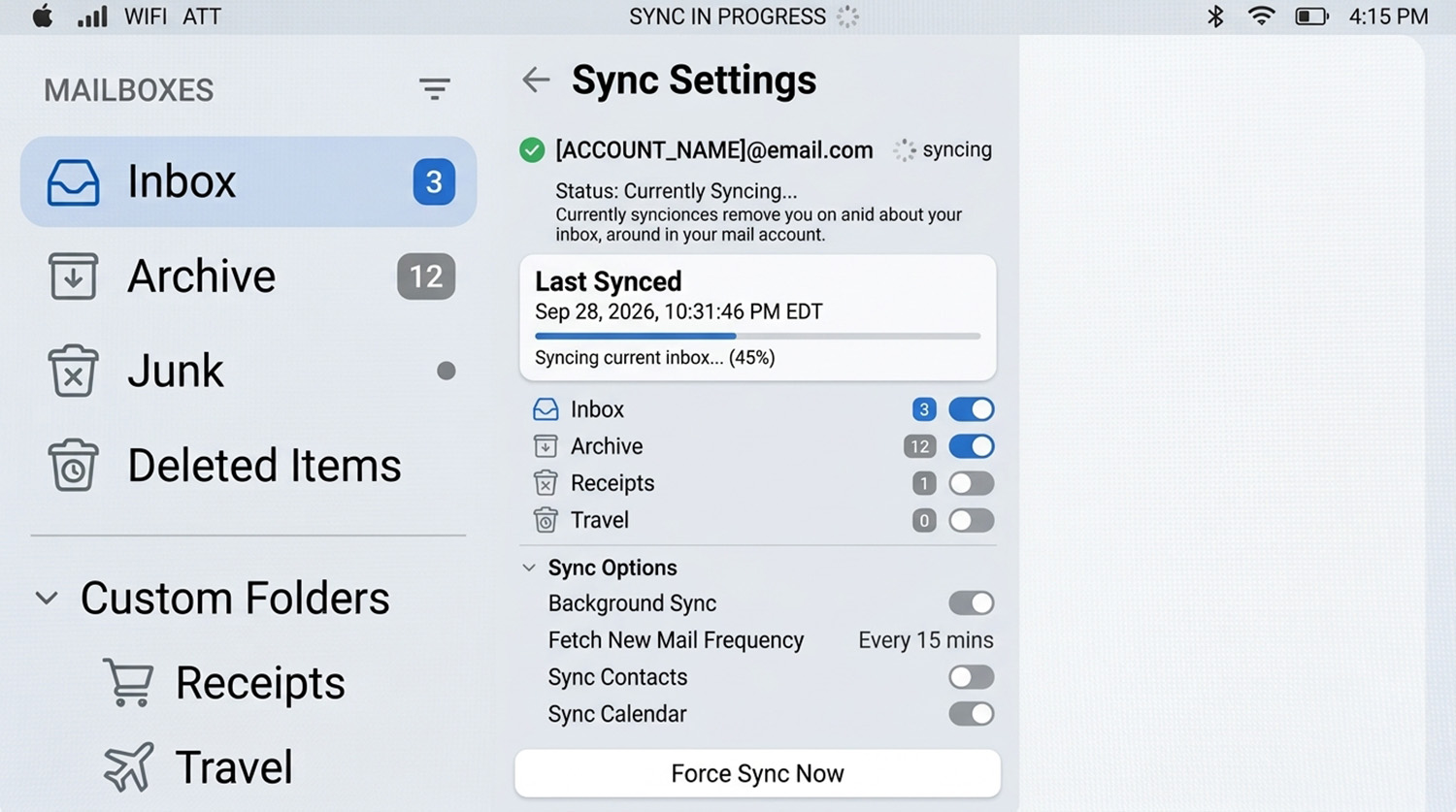
Sync problems can cause emails missing from inbox even though the messages still exist. If mail appears on the provider’s website but not in your app, sync is the likely cause. Check your internet connection, sync settings, and available account storage. Also remember that deleting a message on another device can remove it everywhere, since synced accounts share changes.
If you use Outlook, a password prompt that keeps reappearing can also disrupt syncing and cause emails to seem missing. Our guide on why Outlook keeps asking for your password walks through fixing that specific issue.
If you have searched thoroughly and your emails are still missing, it may be time for a closer look. A technician can check your account settings, sync configuration, and account security directly. That is often faster than continued guessing on your own.
Need Repair? Let’s Get It Fixed Today
Ready to Fix Your Computer Problem? Schedule Service Today!!