
How to disable Gemini on Android comes down to two settings. Switch back to Google Assistant from the Gemini app’s menu, or turn off the power button shortcut in your phone’s Settings under Gestures. Both take less than a minute to fix.
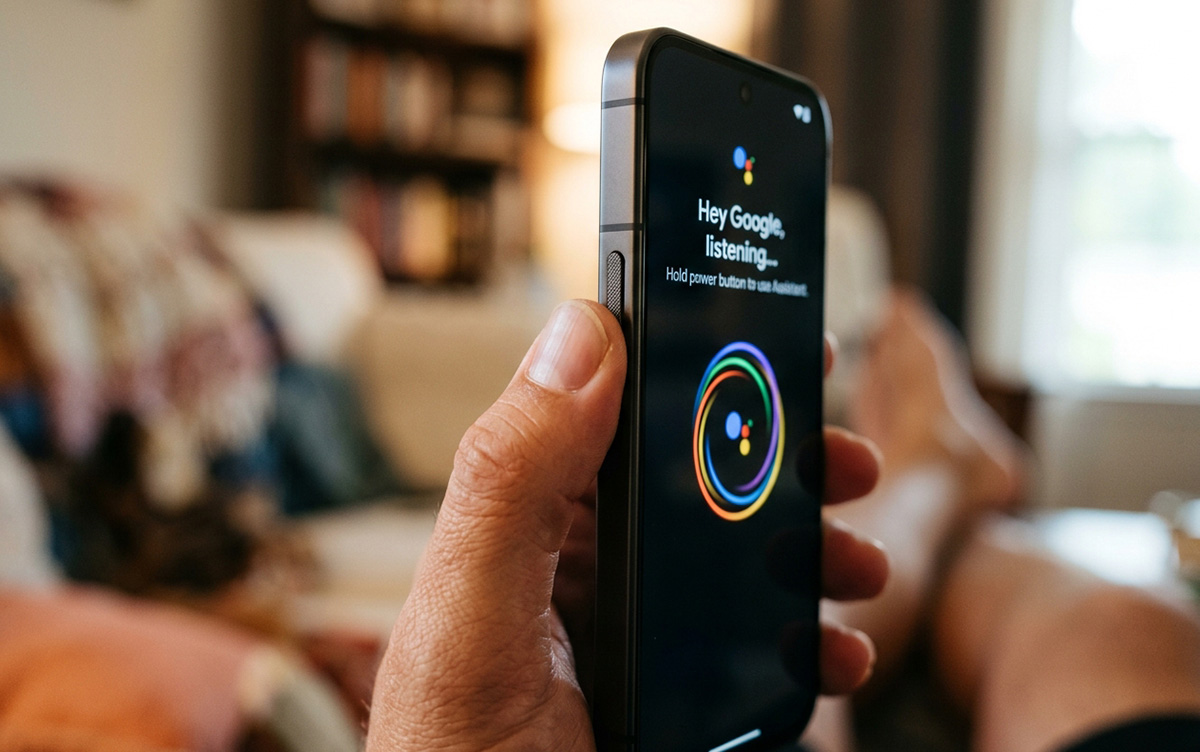
How to disable Gemini on Android depends on exactly what’s bothering you. Some users want their phone’s assistant switched back to Google Assistant. Others want Gemini to stop opening whenever they hold the power button. These are two different settings, so it helps to know which problem you’re solving.
How to Disable Gemini on Android by Switching Back to Google Assistant
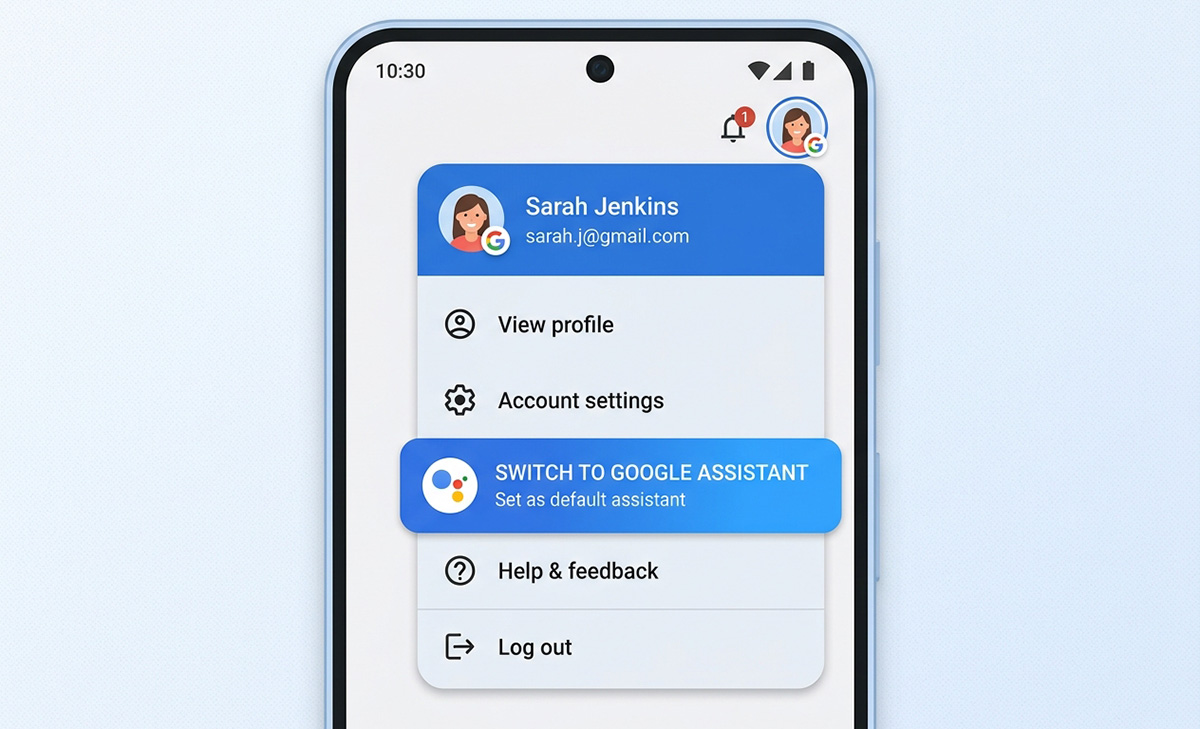
To disable Gemini on Android and switch back to Google Assistant. Open the Gemini app, tap Menu in the top left corner, tap your profile picture or initial, then choose Switch to Google Assistant. Select Google Assistant, then tap Switch to confirm. Most people search for how to disable Gemini on Android after Gemini replaced Google Assistant as their default without them choosing it.
Once you switch back, Google Assistant responds instead of Gemini whenever you say your wake phrase or use your assistant shortcut. Keep in mind that Google has said Gemini will eventually replace Google Assistant on Android devices, so this switch may only be available for a limited time depending on your phone and Android version.
How to Turn Off Gemini Power Button Shortcut
To turn off the Gemini power button shortcut, open your phone’s Settings app, then go to System, then Gestures, then Press and hold power button, and choose a different action from the menu. This is a separate setting from switching your default assistant, so knowing how to turn off Gemini power button shortcut behavior won’t automatically remove Gemini as your assistant too.
What If Your Phone’s Menu Looks Different?
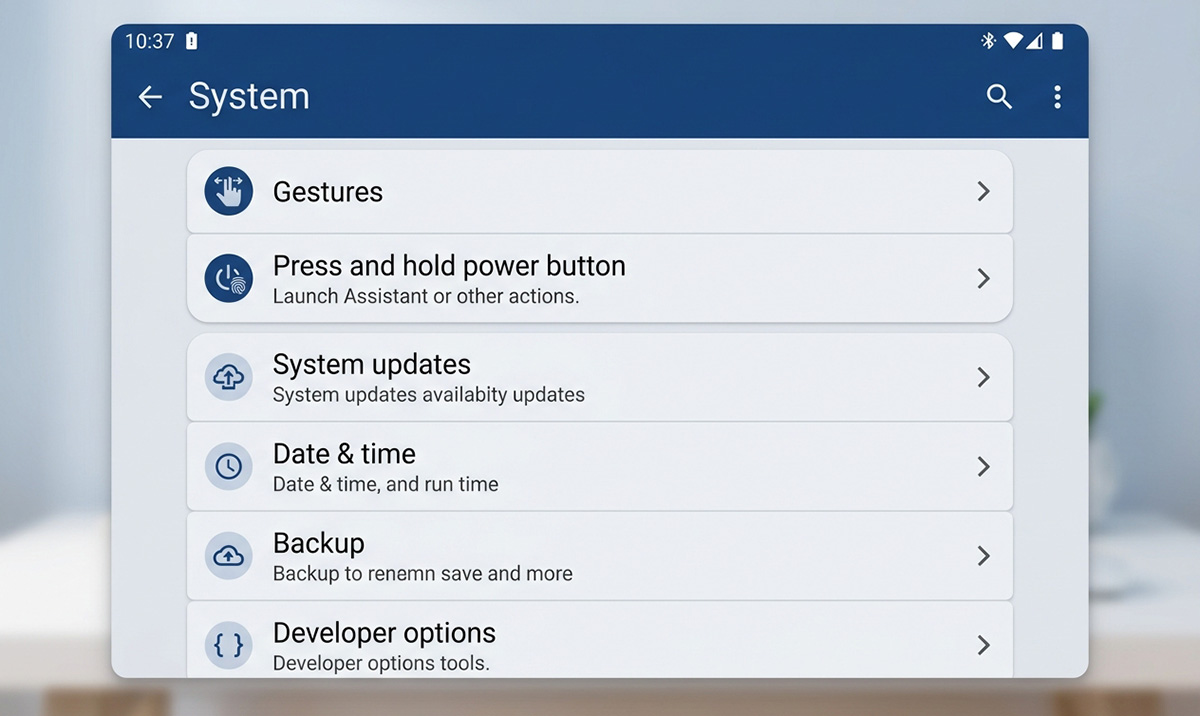
If you are still figuring out how to disable Gemini on Android, your device may differ by manufacturer. Some phones handle this setting differently. Samsung, Google Pixel, and other Android brands may place this option under slightly different menu names, so search your Settings app for “power button” if you can’t find it right away. If you’d rather keep Gemini available but stop it from launching without unlocking your phone first, look for an option labeled Use Gemini without unlocking and turn it off.
Switch From Gemini Back to Google Assistant, or Just Fix the Power Button?
Switch from Gemini back to Google Assistant if you simply prefer your old assistant’s voice and commands. Use the power button gesture settings instead if Gemini popping up unexpectedly is your only complaint. You don’t need to change both settings unless both problems apply to you.
How to Disable Gemini on Android: Does It Remove Everything?
Learning how to disable Gemini on Android won’t remove every trace from your phone. Google continues building Gemini into other apps and services. They will solve the two most common complaints people have: an assistant they didn’t ask for, and a power button shortcut that keeps opening the wrong app. If you run into anything unexpected while working through these Android settings, feel free to reach out with your questions.