
How to setup a streaming service on your TV can feel confusing. Passwords, verification codes, and WIFI issues often get in the way. This guide walks you through a real setup story, from account recovery to app access. You can enjoy Hulu, HBO, and Disney+ without frustration.
How to Setup a Streaming Service Without the Stress
Setting up a streaming app on your TV means connecting your account, verifying your identity, and confirming your billing details. In fact, many people assume computer repair companies only fix laptops and desktops. Today, your TV, email, and phone all work together as one connected system.
A recent customer called RDPShop IT Services because they wanted three apps working on one TV. They wanted Hulu, HBO, and Disney+ all set up correctly.
Before you start, you should gather your account emails and passwords. This simple step saves time later.
Smart TVs also connect to other devices, such as phones, tablets, and smart speakers. Because of this, one small login issue can affect several devices at once. Overall, a careful setup now prevents bigger headaches down the road.
Most customers ask about the same handful of popular apps. Netflix, Prime Video, Peacock, and Max all follow a similar sign in process. Once you understand one app, the rest usually feel familiar.
Why Account Recovery Is Part of How to Setup a Streaming Service
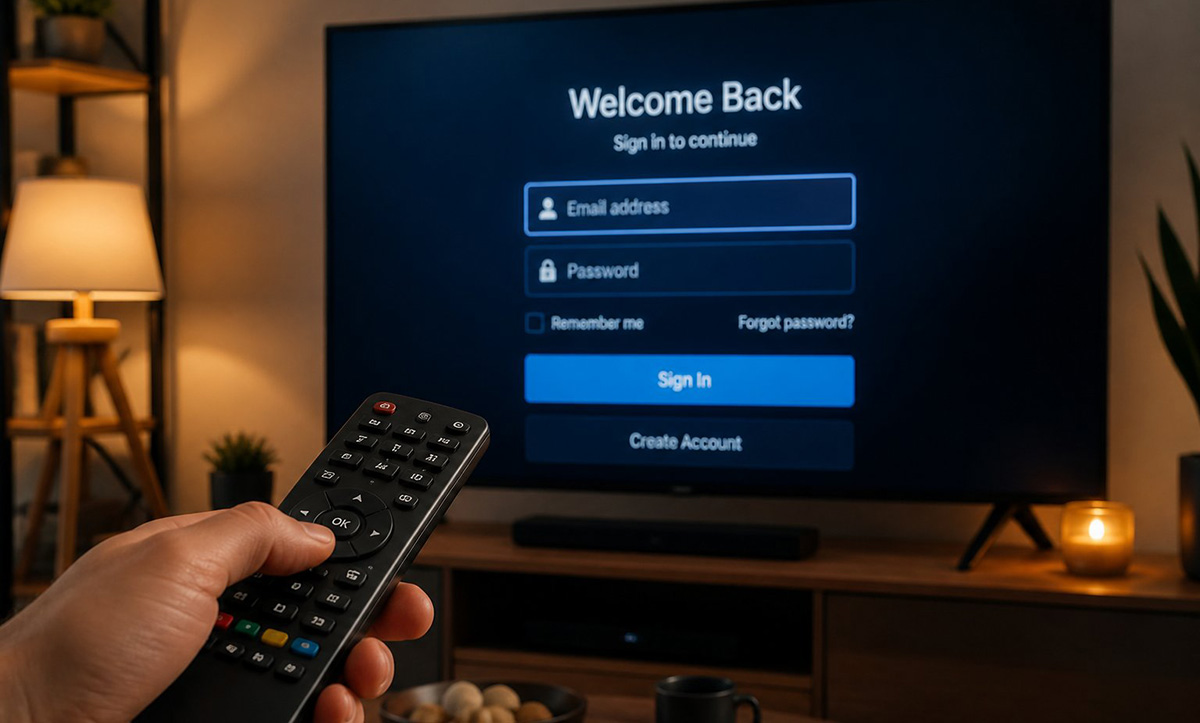
Account recovery often becomes the very first step when you learn how to setup a streaming service correctly. This customer already had an HBO account from years earlier. However, the password no longer worked, and the recovery process needed extra attention.
I worked with the customer’s email account to reset the HBO password. Then, we confirmed the account owner’s identity and updated the billing information at the same time. Outdated billing details can block your streaming access later, so this step matters.
Security questions and old backup emails often complicate account recovery. Therefore, patience becomes just as important as technical skill. Once the account details matched, the reset process moved quickly.
Because the account was so old, we also updated the recovery phone number attached to it. As a result, future password resets will happen faster. In addition, this small change prevents another lockout down the road.
What Role Do Verification Codes Play When You Setup Streaming Services?
Verification codes protect your streaming accounts from unauthorized access, and you should expect them during almost every setup. Streaming platforms often send a code to your email and another to your phone. So, you need both codes to finish signing in successfully.
During this visit, codes arrived on the customer’s phone and email within seconds of each other. I helped enter each code correctly while signing the TV into every app. This process confirmed the account and connected the TV at the same time.
These codes usually expire within a few minutes, so speed matters. If a code expires, the platform simply sends a new one. Staying near your phone and email during setup keeps the process moving.
Once you enter your codes, the TV usually connects to each streaming service within a minute. Still, connection speed depends heavily on your home network.
Does Your Home WIFI Affect Streaming Setup?
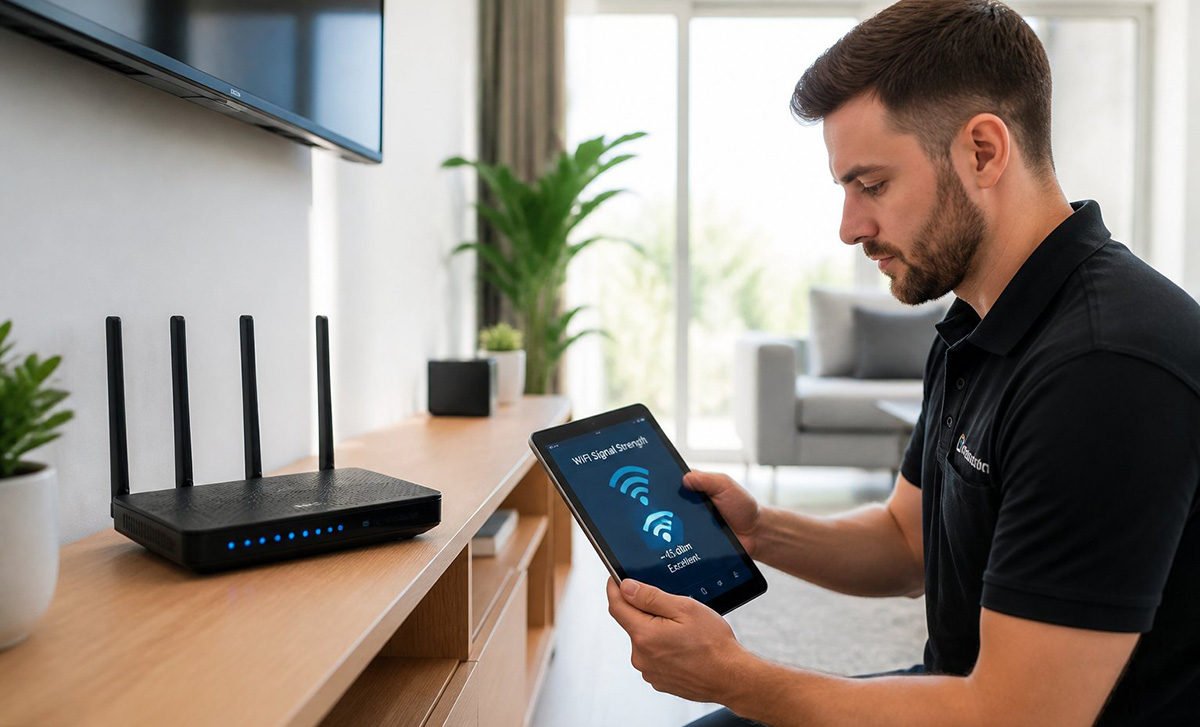
Weak home WIFI can slow down or completely block your streaming setup. A TV needs a steady connection to load apps, stream video, and stay signed in. If your signal is weak near your TV, buffering and login errors become common.
RDPShop IT Services offers home and business networking service to test and strengthen your WIFI coverage. First, this service checks signal strength near your TV. It also identifies dead zones throughout your home. These dead zones can easily and affordably be remedied with WIFI Boosters. They are quick and easy to setup; the results are well worth it.
Fixing weak WIFI often solves streaming problems before they even start. Therefore, checking your network is always a smart first step. Strong coverage makes every part of how to setup a streaming service go faster.
Older routers and thick walls often cause the weakest signals. Meanwhile, moving a router closer to the TV can make a noticeable difference. Small changes like this often solve big frustrations.
Streaming in high definition generally needs a stronger connection than basic web browsing. Because of this, one weak router can affect an entire household. Overall, a quick signal check often reveals the real problem.
How to Setup a Streaming Service So You Can Actually Use It
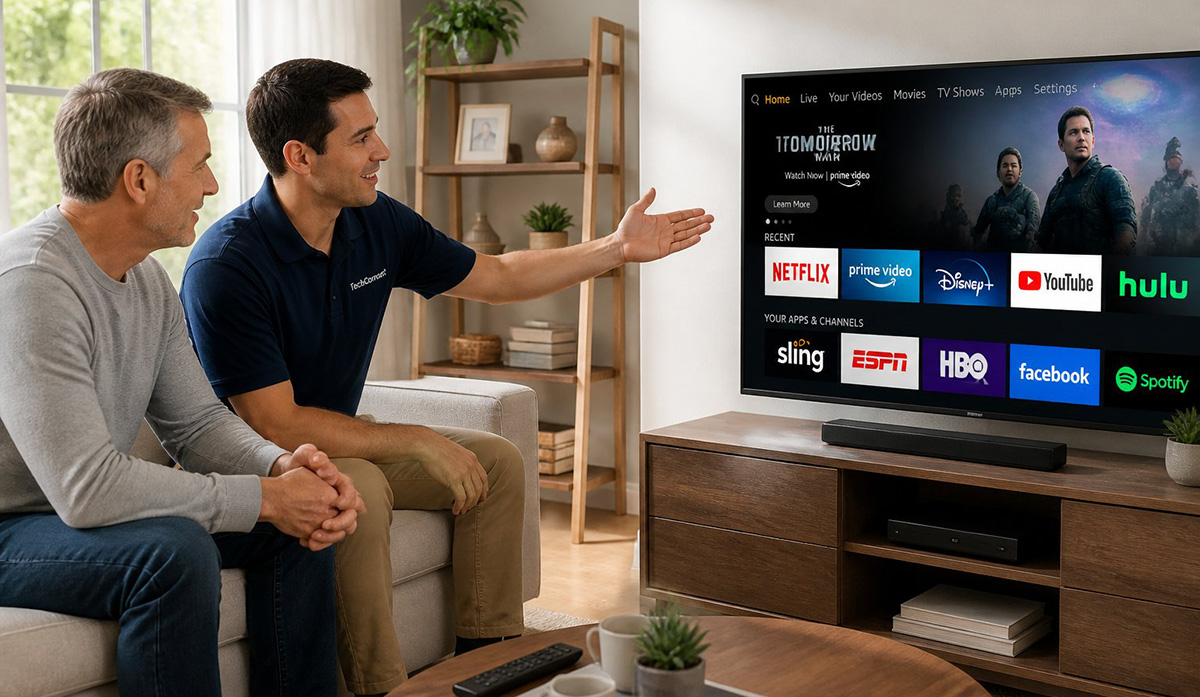
Getting the apps installed is only half the job, since customers also need to know how to use them. After every app connected, I walked the customer through the layout of each service. We covered how to find channels, browse titles, and switch between accounts.
Learning how to setup a streaming service also means understanding your billing and notifications. Most streaming platforms use automatic monthly billing tied to your card or account. Consequently, you should watch your email for billing alerts, price changes, or login notices.
I explained why these emails matter and how to spot a real notice versus a scam attempt. Ignoring subscription emails can lead to surprise charges. Overall, reviewing your accounts each month keeps everything running smoothly.
We also covered parental controls and offline downloads for long trips. These features often go unnoticed, yet they add real value once someone understands them. A short walkthrough turns a confusing new TV into a comfortable one.
Is Streaming Setup Really Part of Computer Repair?
Streaming setup, WIFI troubleshooting, and TV walkthroughs all fall well within what RDPShop IT Services handles every day. Many customers think computer repair stops at laptops, but that is simply not true anymore. In fact, helping you connect and understand your devices is part of the job.
If you want help with how to setup a streaming service the right way, reach out for support. Professional help saves time and reduces stress. Whether you need account recovery, a new TV connection, or full streaming service setup, support is available nearby.
Every TV, every account, and every home network looks a little different. Because of this, a personalized visit often solves problems faster than searching online. A trained technician can spot issues most people miss.
If you are having trouble getting your streaming networks setup on your TV, contact RDPShop IT Services. Overall, a quick call can save you hours of frustration and get every app working the way it should.