
Upgrade or buy a new PC? That question hits the moment your computer starts dragging its feet during work, school, or a late-night gaming session. You do not need a crystal ball. You just need a clear look at what is slowing your machine down, plus a realistic budget.
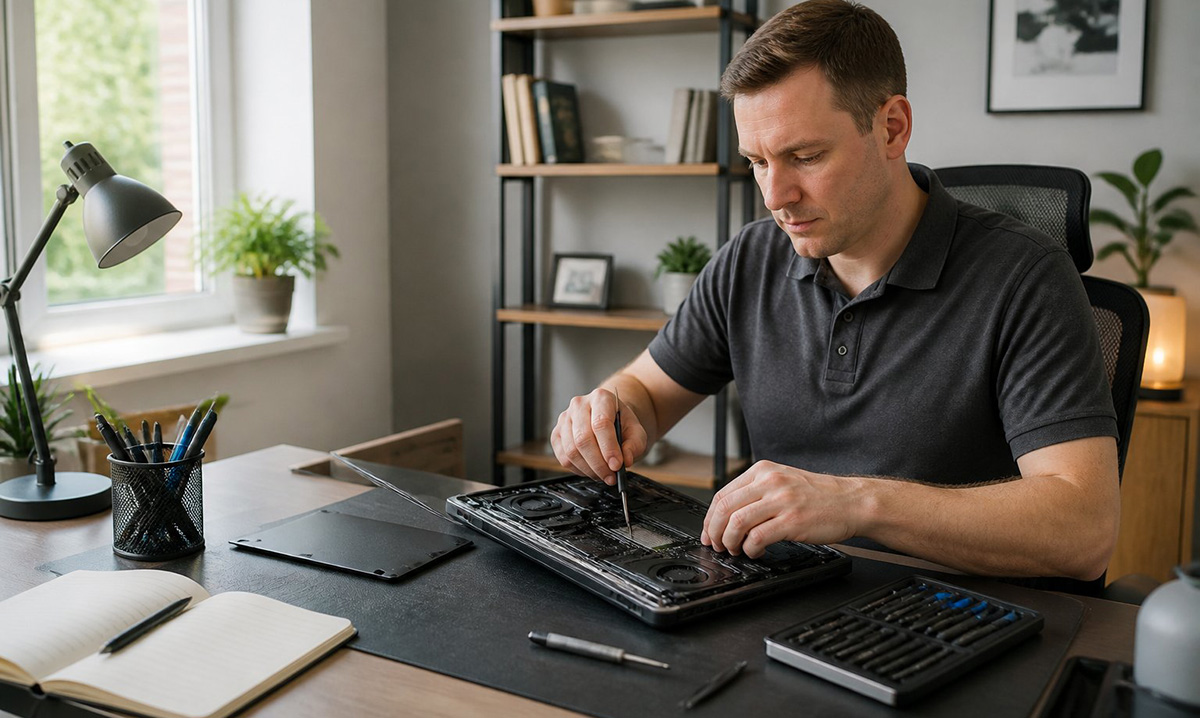
Is Your PC Outdated, or Should You Upgrade or Buy a New PC?
A slow computer does not automatically mean you should upgrade or buy a new PC. In fact, most machines between four and six years old are not truly outdated. Instead, they are just weighed down.
Three culprits cause most slowdowns. For instance, a traditional spinning hard drive struggles to keep up with modern software. Because of that, every file request forces the drive to work harder than it should.
Not enough RAM also forces your computer to swap data constantly. On top of that, dust buildup inside the case causes thermal throttling. As a result, that heat alone can slow everything down.
Before you assume your PC belongs in a landfill, rule out these fixable problems first. Often, a quick diagnostic shows that your processor and motherboard still have plenty of life left. That single check can settle the upgrade or buy a new PC debate in minutes.
For residential users, remote workers, and small business owners, that distinction matters. After all, a machine written off too early can often serve you well for years to come.
What Is the Real Cost Difference Between Upgrading and Buying New?
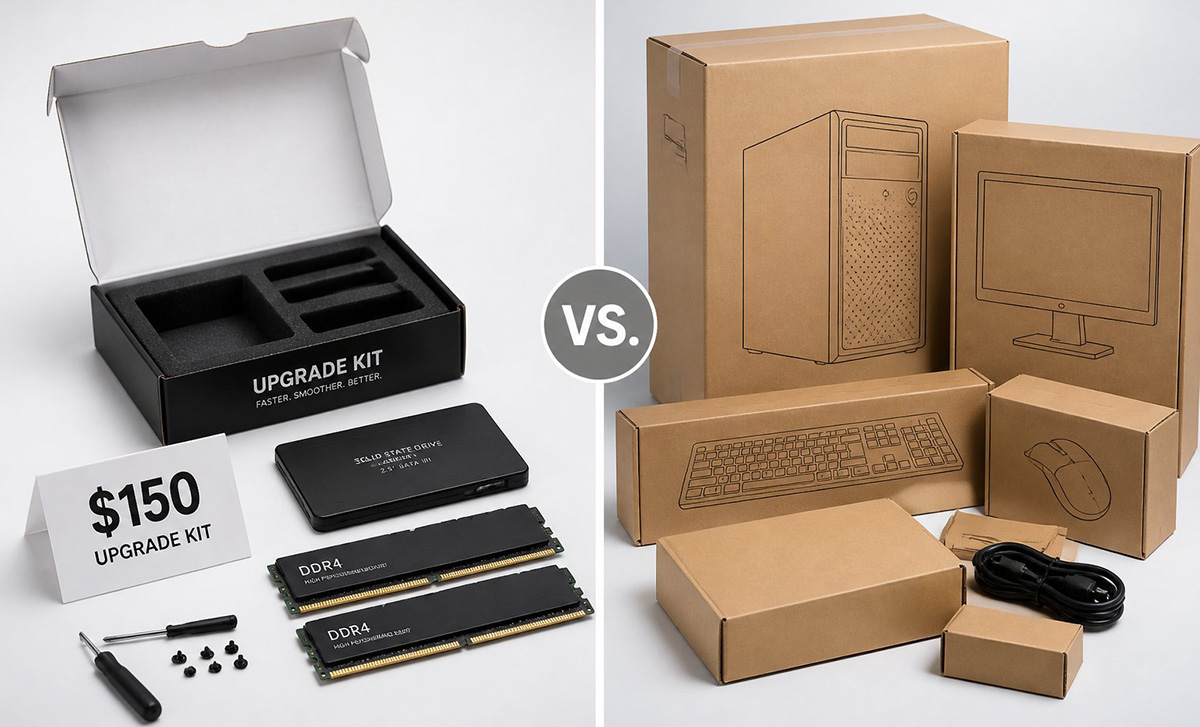
The real cost difference often comes down to a few hundred dollars and a few hours of your time. Specifically, an on-site upgrade with a new SSD and extra RAM typically runs around $150. Best of all, it happens right at your kitchen table or office desk.
A brand-new PC setup, on the other hand, often costs closer to $900. That price climbs once you add software licenses, a monitor, and accessories you already own. So, for budget-conscious households, that gap adds up fast.
A technician can complete an SSD clone and RAM upgrade in under an hour. Because of that, you skip the days of downtime a repair shop drop-off usually causes. Meanwhile, your files, settings, and programs stay exactly where you left them.
Think about what that savings could cover instead. For example, it might be a vacation fund, new business equipment, or simply a cushion for the next surprise expense. Overall, small, targeted upgrades often deliver the biggest return for the smallest price tag.
Why Do Mechanical Hard Drives Slow Your Computer Down?
Mechanical hard drives slow your computer down because they rely on spinning platters and a moving read arm. As a result, every file request means physically waiting for that arm to travel across the disk.
An NVMe or SATA solid state drive, however, skips that mechanical delay completely. Instead, data moves electronically. Because of this, boot times, program launches, and file transfers all happen in a fraction of the time.
As a mechanical drive ages, it also collects bad sectors and fragmented files. Consequently, that buildup slows things down even further over time. So, cloning that drive onto an SSD often feels like handing your old computer a second wind.
Most people notice the difference within minutes of turning the machine back on. For instance, programs that once took thirty seconds to open now launch almost instantly. That single change often defines how fast a computer feels day to day.
Why Does the Retail Store Push You to Buy New Instead of Repair?

Retail stores often push new purchases because selling a full system earns more than fixing an old one. Specifically, commission structures reward staff for moving inventory. They rarely, however, reward staff for diagnosing a small part replacement.
You have probably heard that your computer is not worth fixing before anyone even opened the case. That advice sounds practical, but it rarely accounts for what is actually wrong with your machine.
A mobile repair visit, instead, gives you an honest, on-site diagnosis rather than a sales pitch. That way, you get to see exactly what needs attention first. So, you never have to leave your computer behind or wait in a checkout line for answers.
Should You Upgrade or Buy a New PC When Power Supplies Are Aging?
Power supplies start to become questionable after about five years of regular use. This applies to both laptops and desktops equally. Over time, capacitors degrade, and a failing power supply can damage other components if it is ignored.
When you decide whether to upgrade or buy a new PC, factor in the power supply. Also, weigh it along with the drive and memory. Otherwise, a restored computer with a weak power supply is not a complete fix. Instead, it is just a temporary patch.
Replacing a power supply during an on-site visit is usually affordable. Because of that, it adds real reliability to your restored system. It also protects the new SSD and RAM you just installed from a sudden failure.
Skipping this step to save a little money now, however, can cost you more later. After all, a failing power supply can take other components down with it.
Is It Better to Upgrade or Buy a New PC When You Need Your Files Fast?
Sometimes it is faster to upgrade or buy a new PC based on how much time you have. In this case, money is not the only factor worth weighing. Moving years of files, programs, and settings to a new machine takes real effort.
If your computer runs specialized software or holds a large library of files, an upgrade may serve you better. That way, it keeps everything exactly where it already lives. You skip reinstalling every program, and you also skip hunting down old passwords and license keys.
Sometimes, though, a new computer does make more sense. When that happens, our step-by-step guide to transferring files to a new computer walks you through the process. That way, nothing important gets left behind.
How Do You Upgrade PC or Buy New Based on Your Budget?
The choice to upgrade pc or buy new should match what you can actually afford right now. It should not, instead, be based on what a salesperson recommends. Generally, a $150 upgrade buys two or three more years of solid performance.
If your motherboard or processor is failing, however, buying new may genuinely be the smarter long-term move. The same applies if your power supply shows real warning signs. So, weigh the repair cost against the age of your core components.
We are not here to talk you out of restoring your old computer. Likewise, we are not here to push you toward something you do not need. We simply want you to make the choice that fits your wallet and your workflow.
An on-site health check can give you a clear, honest answer about whether your system can be restored. So, schedule your visit and find out exactly what your computer needs before you spend another dollar. If you need a few more answers before scheduling an appointment, feel free to call (865-321-1015) or contact me here.
Want To Learn How To Make Your Laptop Repairs Yourself?

Save money on computer repairs by learning to fix your own laptop, Including MAC - Anyone can learn!!