
Why is internet slow in one room but good in another? It’s almost always the walls, not your router. Brick, concrete, or pipes inside a wall block or reflect the wireless signal before it reaches that room. This is why moving closer often fixes it.
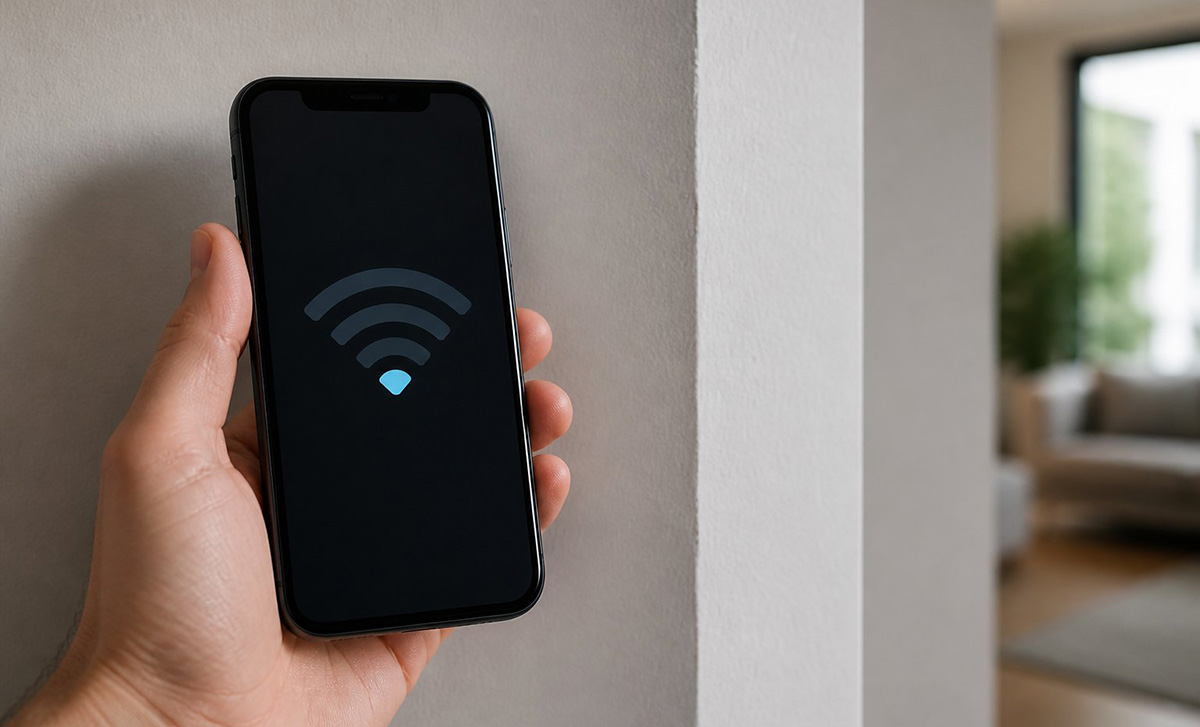
The internet is slow in one room but good in another. It almost always comes down to distance and what’s inside your walls, not a weak router. Dense materials inside a wall can block or reflect the wireless signal. The signal may never reach that room. If you’ve been asking why is internet slow in one room but good in another, the walls between that room and your router are usually the real answer.
What’s Actually Causing the Slow Wi-Fi in That One Room?
Building materials are usually the real cause behind why is internet slow in one room but good in another. Brick, concrete, and walls packed with water pipes, electrical wiring, or metal studs absorb or reflect Wi-Fi signals significantly. Pipes and wiring inside a wall can create standing waves. These waves prevent the signal from reaching the other side.
How Do I Know If It’s My Wi-Fi or My Actual Internet Plan?
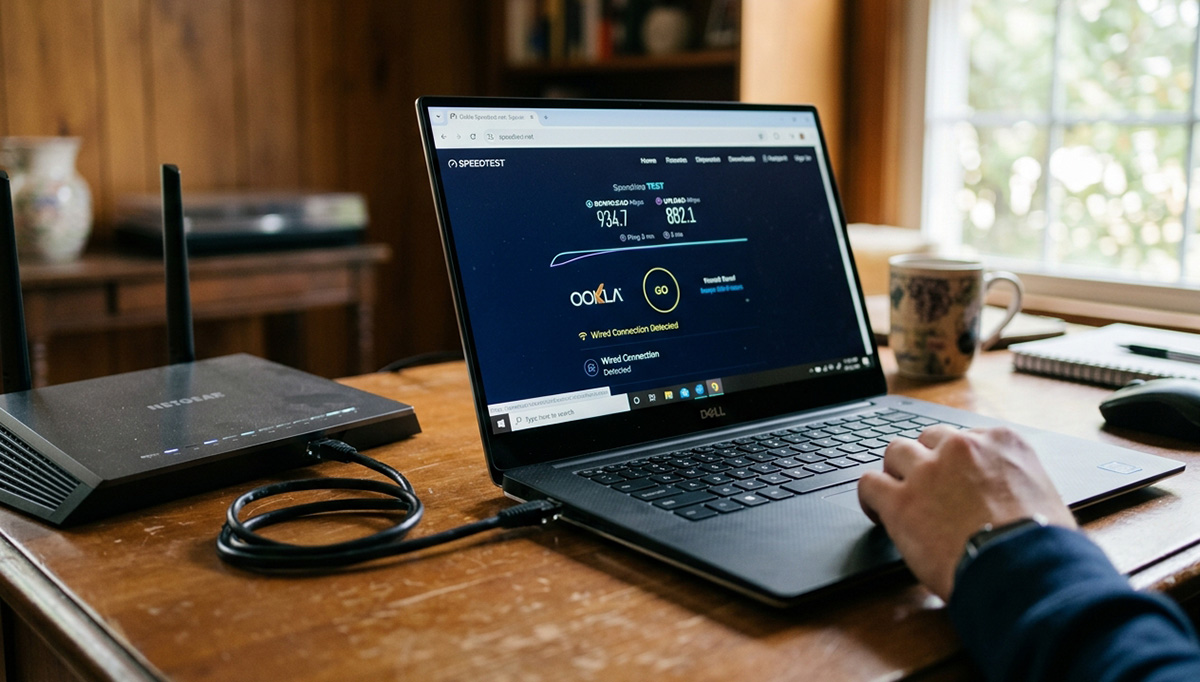
Before assuming why is internet slow in one room but good in another is purely a Wi-Fi problem, connect a laptop directly to your router with an Ethernet cable and run a speed test. If the wired speed matches your plan, your internet connection is fine and the problem is your Wi-Fi’s wireless performance. If wired speeds are also low, the issue is upstream with your modem, ISP, or plan, and no router change will fix that.
It’s also worth ruling out a separate issue first: if any device shows it’s connected to Wi-Fi but says there’s no internet access, that’s a different problem entirely and not the room-specific slowness this article covers.
How to Fix Internet if Its Slow Only in One Room
Start with router placement. A router stuck in a corner, on the floor, or inside a cabinet or closet struggles to reach far rooms. Moving it to a central, elevated spot in your home often helps immediately.
Next, check which Wi-Fi band that room’s devices are using. Devices close to the router do better on 5GHz, while devices farther away or in other rooms should use 2.4GHz, since it travels farther through walls even though it’s slower.
Interference from neighboring networks can also slow things down. A crowded Wi-Fi channel with many nearby networks competing for the same frequency reduces speed for everyone using it.
What If Placement and Band Changes Don’t Fix the Slow Room?
A Wi-Fi booster or extender can help. Place it partway between your router and the affected room. It picks up the weak signal and rebroadcasts it further into your home.
Keep two things in mind. The booster still needs to sit within range of your original router’s signal. It can also cut your speed roughly in half, since it receives and resends on the same channel.
If placement, band changes, and channel checks don’t resolve why is internet slow in one room but good in another, a mesh node placed in or near that room, or a wired connection using MoCA or Ethernet, is usually the most reliable fix. An older router without modern range and beamforming technology can also make signal loss in one specific room more noticeable, but that’s typically a smaller factor compared to walls and distance.
A slow room usually isn’t a weak router. It’s a wall doing exactly what walls do to a wireless signal. The fix is getting a signal source past that wall, not buying a stronger one on the other side of it. Learning how to fix internet if its slow only in one room comes down to solving that distance and material problem directly, rather than replacing equipment that was never really the issue.
Need Repair? Get in Contact Today
Need Repair? Let’s Get It Fixed Today
Ready to Fix Your Computer Problem? Schedule Service Today!!