
A Microsoft scam call is fake, every time. Microsoft never calls unsolicited to say your computer has a problem. Genuine Microsoft alerts never include a phone number. If someone claims to be Microsoft Support, hang up right away. Do not give them any information.

A Microsoft scam call is exactly what it sounds like: fake. Microsoft does not make unsolicited calls to tell you your computer has a problem. Genuine Microsoft error messages never include a phone number to call. If someone calls claiming to be Microsoft Support, hang up.
Is an Unexpected Call From Microsoft About My Computer a Scam?
Yes, it is a scam. Microsoft will not call you out of the blue about a virus, security issue, or expired license. The only exception is if you already opened a support ticket yourself. Scammers often claim they detected a problem on your computer. They may know your name or other basic details. They can also spoof caller ID, so the number looks real. None of that makes the call legitimate.
What Are Scammers Trying to Get From You in a Microsoft Tech Support Scam?
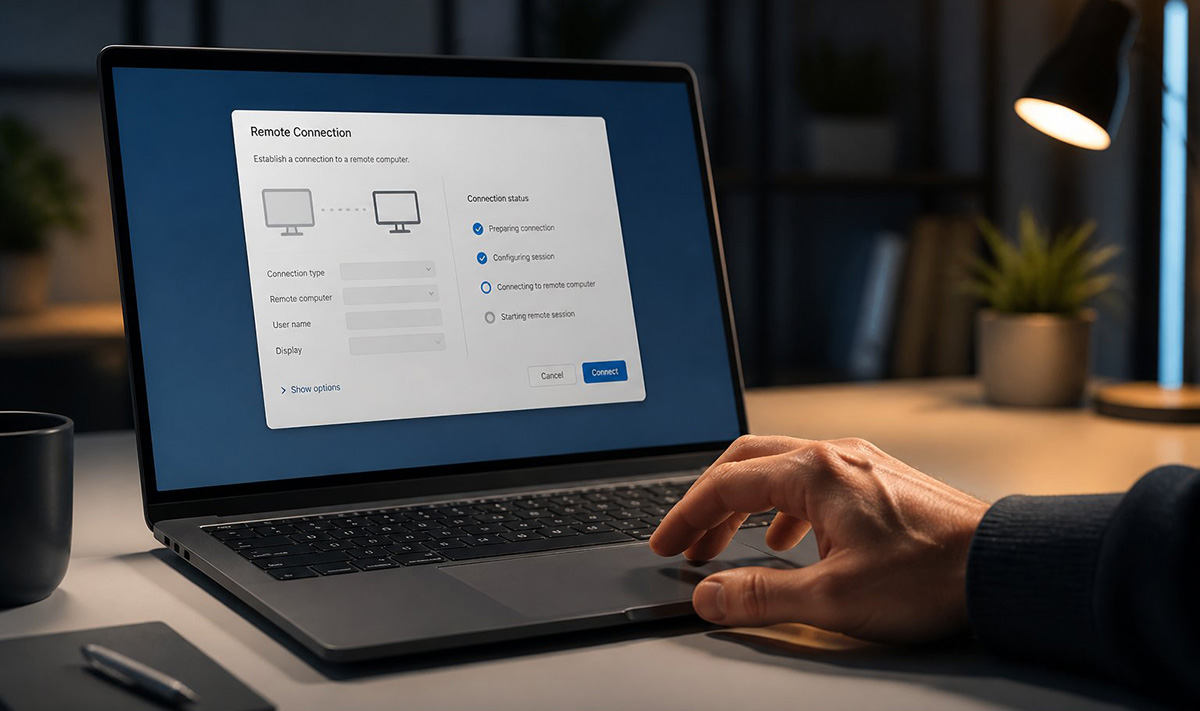
They usually want one of a few things. Here is what a Microsoft tech support scam is really after:
- Remote access to your computer
- Your usernames and passwords
- Credit card or banking information
- Payment for fake technical support
- A way to install malware or ransomware
- Personal information stored on your device
What Should I Do During a Microsoft Scam Call?
Hang up immediately. Do not argue with the caller. Do not give them any information. Do not visit a website they mention. Do not install any software they ask for. Do not let them control your computer. If you are worried something is actually wrong, contact Microsoft yourself. Use contact information you find on your own, not a number the caller gives you.
These fake warnings do not only arrive by phone. They can also show up in an email or pop up in your web browser. If you have seen one, our guide on that fake virus warning on your screen explains what it really is.
What If I Already Gave Them Access or Information?
That changes things, and it needs quick action. Disconnect your computer from the internet if remote access might still be happening. Run a full security scan. Change your passwords from a different, clean device. Turn on multi-factor authentication wherever you can. If you shared financial information, call your bank or card company right away.
A Microsoft scam call relies on catching you off guard, not on any real problem with your computer. If you are not sure what to check, you can schedule a service visit and have it looked at properly.
Need Repair? Get in Contact Today
Need Repair? Let’s Get It Fixed Today
Ready to Fix Your Computer Problem? Schedule Service Today!!