
I clicked a suspicious link from my email, and now you need to act fast, but in the right order. Disconnect from the internet first, then check what you actually typed before deciding your next step. Speed matters, but doing things out of order can undo your effort.
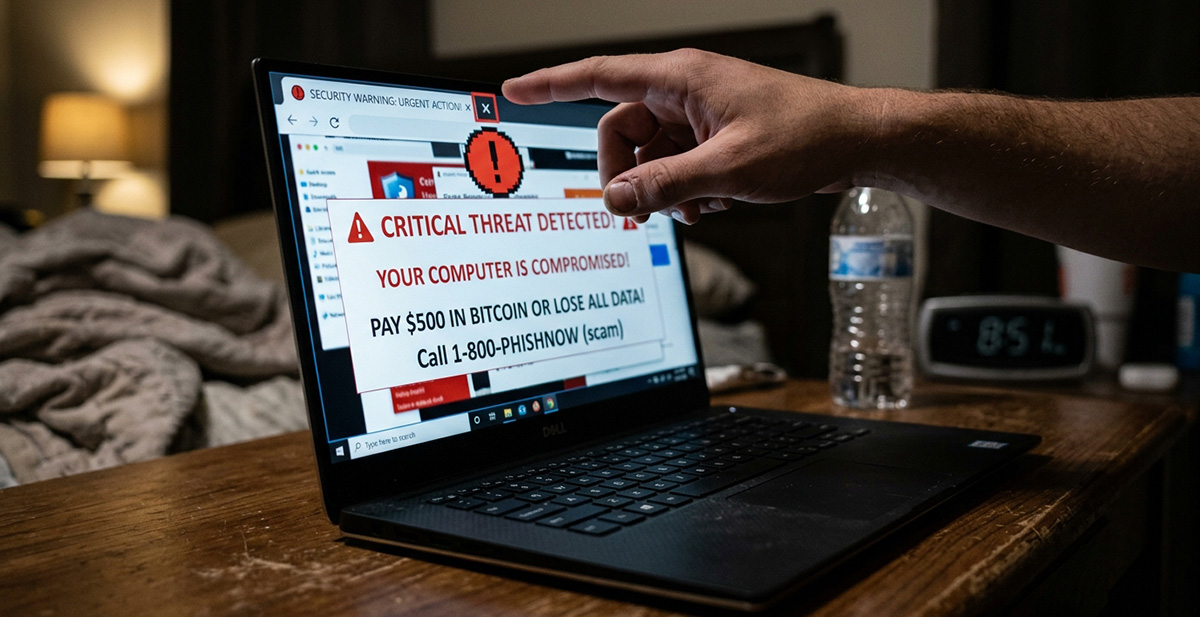
If you searched “I clicked a suspicious link from my email,” you want clear steps right now. Speed matters here, but so does order. Doing things in the wrong sequence can undo your own effort.
Stop interacting with the page immediately. Do not type anything, not a username, password, or code. If “I clicked a suspicious link from my email” describes what just happened, close the tab right away. If the browser won’t close, force-quit it entirely.
What Should I Do First After I Click a Suspicious Link From My Email?
The moment “I clicked a suspicious link from my email” turns real, disconnect your device from the internet. Turn off Wi-Fi and mobile data, or unplug the Ethernet cable. This stops malware from talking to attackers or spreading. It also blocks any silent downloads still in progress.
Now think about what actually happened. Did you just view the page, or did you type something in? This one detail decides everything else you do next. Simply viewing a page carries far less risk than entering real information.
How Do I Check My Device for Damage After Clicking a Suspicious Email Link?
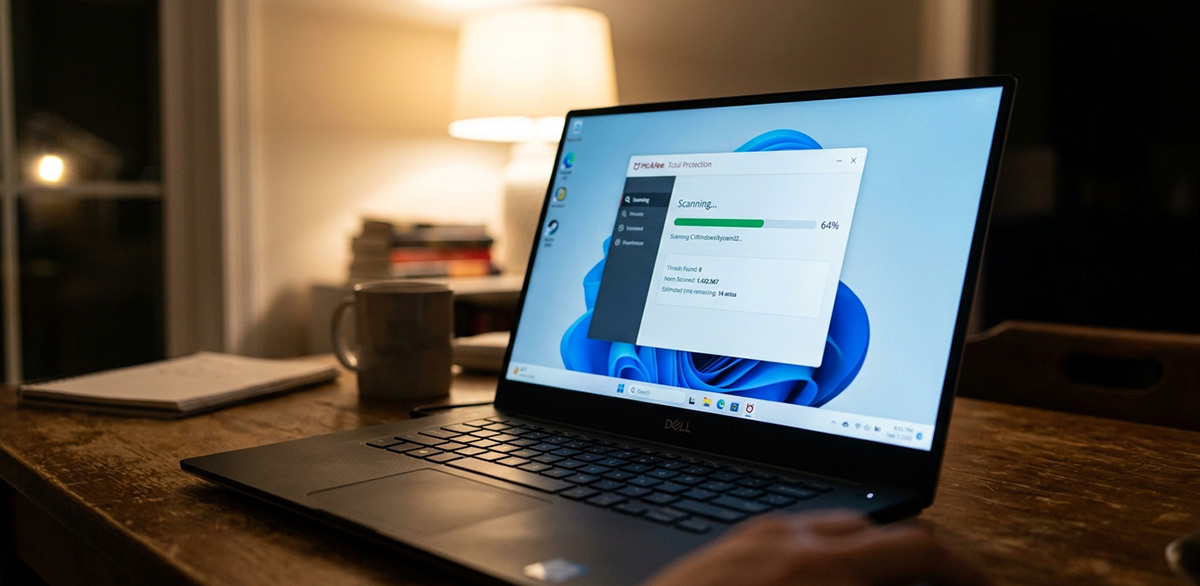
Check your downloads folder for anything that appeared on its own. Delete suspicious files without opening them first. Then run a full antivirus scan, and update your virus definitions before the scan starts. Do this before anything else sensitive happens on that device.
When Should I Change My Passwords?
Change your passwords, but not from the device that clicked the link. Use a different device you know is clean. This step matters most if you actually typed in a password or code. Prioritize email, banking, and anything tied to the fake page. If you reused that password anywhere else, change it there too. Turn on two-factor authentication, and sign out of active sessions where you can.
If a spam link led to this whole situation, the steps stay the same either way. Watch your bank and card accounts closely for the next few weeks. Report the message as phishing through your email provider. If it happened on a work device, tell your IT team right away.
Is Clicking a Suspicious Link Different on an iPhone or iPad?
Yes, somewhat. iPhones and iPads are sandboxed, so a click alone rarely installs real malware. The bigger risk is a fake page tricking you into typing information. If you didn’t enter anything, your device is almost certainly fine.
If clicked on suspicious email link problems keep showing up, that’s worth noting. Crashes, unfamiliar apps, or constant pop-ups are signs to get it checked professionally rather than keep guessing. Anyone who has typed “I clicked a suspicious link from my email” wants to prevent a repeat next time. Our guide on 9 ways to recognize a phishing email or text can help.
Need Repair? Get in Contact Today
Need Repair? Let’s Get It Fixed Today
Ready to Fix Your Computer Problem? Schedule Service Today!!