
Fake virus warning pop-ups now trick even careful, tech-savvy users every single day. Scammers use cloned AI voices and realistic browser locks to seem completely real. You might see a locked screen or hear a blaring alarm. This guide shows you exactly what to do next.
What Does a Fake Virus Warning Look Like on Your Screen?
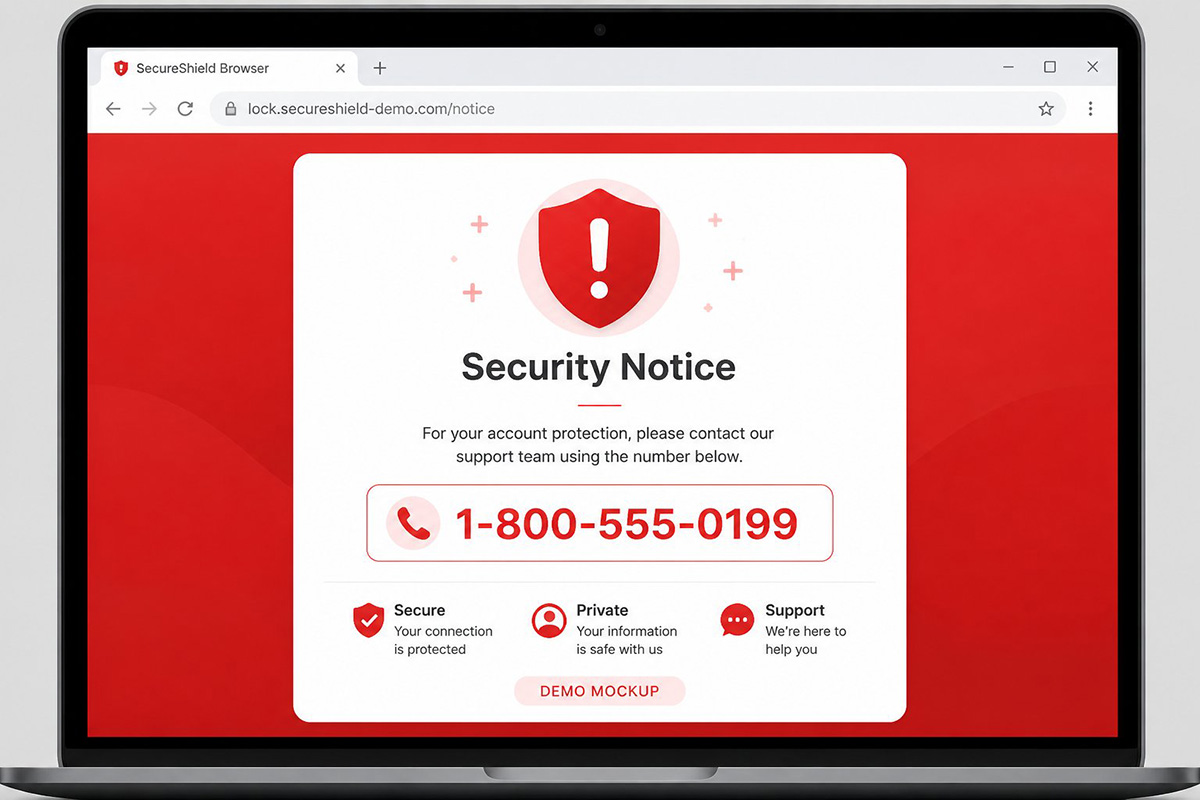
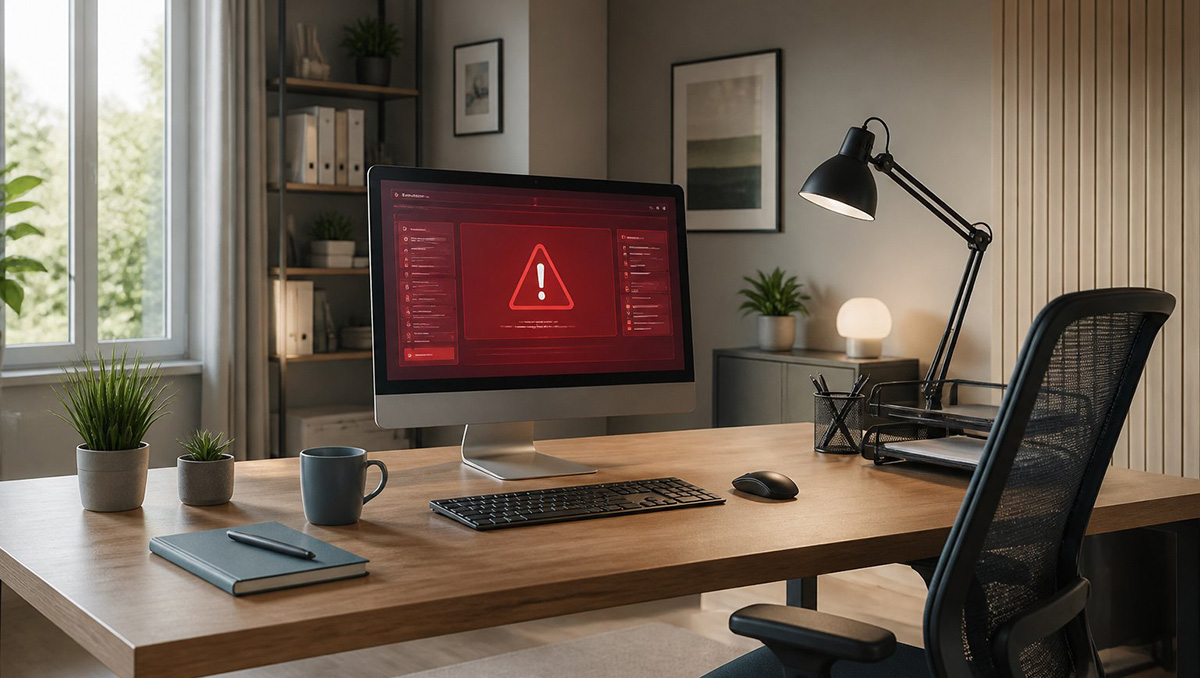
A fake virus warning usually shows up as a sudden alert. It fills your whole screen and claims your computer is infected or locked. You might see a flashing red warning message on computer displays that blocks everything else.
The page often copies real logos from Microsoft, Apple, or McAfee. This makes it look official at first glance. Some versions show a fake blue screen error, similar to a real Windows crash.
Others display a scrolling list of fake files being detected. A loud alarm sound often plays through your speakers at the same time. A fake google virus warning often appears while you search normally.
It gets triggered by an ad or a bad link on a webpage. The message usually includes a phone number and tells you to call right away. That phone number does not connect you to Microsoft, Apple, or Google.
Instead, it connects you to a scammer in a call center. That scammer wants to talk you into giving away computer access. These pages are built to look urgent on purpose.
Panic makes people skip careful thinking. Older adults and first-time computer users often trust these fake alerts the most. Scammers know this and target them directly with urgent language.
Why Do These Scams Feel So Real Now?
Fake virus warning pop-ups feel real now because of AI. Scammers use AI tools to clone voices and copy real software designs. A caller might sound just like a native English-speaking support agent.
The voice even includes natural pauses, just like a real person. The pop-up itself often locks your browser into full-screen mode. It hides your mouse cursor and the exit button too.
This makes the fake virus warning trick even harder to spot at a glance. Because of that, closing the window feels impossible. Panic sets in fast, and scammers count on that panic.
They use it to rush you into a quick decision. However, your computer is almost never actually infected at this stage. The fake virus warning itself is not malware.
It is simply a trick to get you to call a number. It also tries to get you to install remote access software. Once you understand that, the fear starts to lose its power.
How Common Is This Scam Right Now?
I get about three calls a week about this exact scam. So, you are far from alone if it happens to you. Local businesses run into this threat too, not just home users.
Most callers are shaking by the time they reach the phone. They feel convinced their files and computer are gone for good. Often, I walk them through closing the fake alert over the phone.
I do this as a simple courtesy, and the relief is obvious. Still, that phone call only solves the immediate panic in the moment. It does not confirm whether anything risky happened before they called.
That is exactly where an in-person visit adds real value.
What Should You Do the Moment You See a Fake Virus Warning?
The moment you see a fake virus warning, stop clicking anything. Disconnect your Wi-Fi first, since most scams need an internet connection. Next, avoid calling any phone number shown on the alert.
That number connects directly to the scammer, not a real support team. If your mouse and keyboard still respond, close the browser safely. If everything feels frozen, shut the computer down completely instead.
Write down anything unusual you noticed beforehand. That detail can help a technician later. These simple steps stop the scam before it goes any further.
How Do You Force Close a Locked Browser Safely?
You can force close a locked browser on Windows easily. Press Alt and F4 together to shut the window instantly. You can also press Ctrl, Shift, and Esc to open Task Manager.
Then select the browser and click End Task to close it. On a Mac, press Option, Command, and Esc to open Force Quit. Select Safari or Chrome, then click Force Quit to close it.
If none of that works, try exiting full-screen mode instead. Press F11 on Windows or Control, Command, and F on Mac. That single step alone often exposes the hidden close button. If none of this will work, then press and hold in the power button on the computer till it turns off. This is a hard reboot but this may be your only option.
Why Is In-Person Repair Safer Than Fixing a Fake Virus Warning Remotely?

In-person repair is safer than fixing a fake virus warning remotely. A technician can see your computer directly during an in-person visit. This beats trusting a stranger with remote access to your machine.
When someone you never met controls your machine, risks stay hidden. You have no real way to confirm what they are doing. That risk grows even higher after a scam already tricked you once.
A technician who visits your home can physically inspect the machine. They remove any leftover risk and confirm the computer is truly safe. You also get straightforward answers instead of a rushed phone script.
How Are Email Scams Connected to a Fake Virus Warning?
Email scams connect to a fake virus warning through fear and urgency. Both rely on these feelings to trick you into acting fast. A scam email might carry an infected attachment with real malware inside.
That malware installs the moment you open the attached file. That is actually more dangerous than a fake virus warning pop-up. The infection becomes real instead of staged like a browser lock.
You can find more scam email red flags in another guide. It explains the red flags you can’t ignore in scam emails. Learning both threats together gives you a much stronger defense.
It helps you recognize danger faster at home or at work.
What Should You Do If Your Computer Still Feels Unsafe?
If your computer still feels unsafe, do not just move on. A scammer may have already convinced someone in your home to click something risky. Getting a second set of eyes on the machine brings real peace of mind.
This matters most for anyone who felt rattled by the experience. Small business owners face added risk too, since client data may sit on the machine. A quick inspection protects both your device and your reputation.
A trained technician can check for leftover risks on your system. They confirm nothing was installed and secure your system on the spot. If you want that kind of hands-on help, reach out today.
You can request a mobile computer repair visit and have someone come straight to your location. That kind of in-person support beats trusting an unknown voice on the phone.
Need Repair? Let’s Get It Fixed Today
Ready to Fix Your Computer Problem? Schedule Service Today!!